




Trusted by operational teams in 106 countries

When You Manage 5+ Cleaning Sites, Timesheets Stop Working

The problem isn't that your crew is dishonest. It's that paper timesheets and spreadsheets aren't built for teams working across multiple locations, starting at 5 AM, with no supervisor on site.

Three things happen:

  • Clock-in times get rounded. 5:47 becomes 6:00. Across 15 people and 250 workdays, that adds up.
  • You can't verify who was where. A timesheet says "Building A, 6-10 AM." Were they actually there? No way to check.
  • Payroll takes forever. Every pay period you're collecting sheets, deciphering handwriting, chasing missing hours, re-entering everything manually.

GPS-verified time tracking fixes all three. Not by policing your team - by giving everyone (you, your crew leads, your payroll person) a single source of truth.

5 Ways to Clock In — Pick What Fits Each Location

Mix an d match methods across your locations. Automatic geofencing at regular sites,NFC cards in the basement with no signal, QR kiosk at the main office entrance. Change anytime — no extra cost.

  1. 1
    Automatic Geofencing

    Geofencing Time Clock — Automatic, Hands‑Free

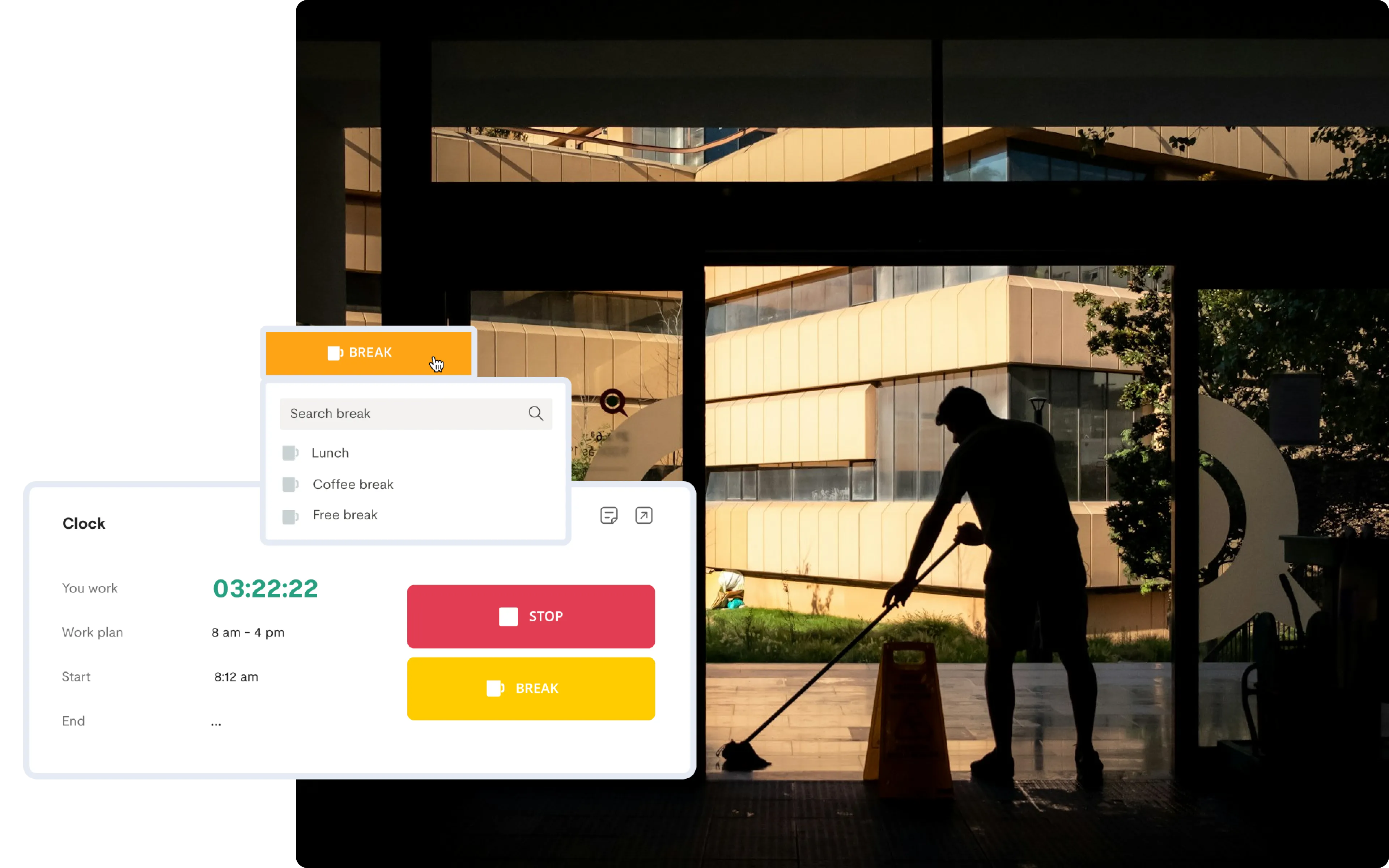
    Staff walks into the geofenced zone → app auto-detects → time tracking starts.
    No button press needed. Every entry includes GPS coordinates.

    Best for: Regular client sites where crews work the same locations daily.

  2. 2
    Manual Mobile Clock-In

    Mobile Time Tracking App with GPS Verification

    Crew opens the app, taps "Start." System checks GPS to verify they're at the authorized location. If they're outside the geofence, the clock-in is flagged.

    Best for: Sites where auto-detection isn't preferred, or for one-off cleaning jobs.

  3. 3
    NFC Cards — Tap & Go

    NFC Time Clock — Tap a Card, Start Working

    Mount a small reader at the entrance. Staff tap their NFC card. Zero training needed.

    Best for: Staff without smartphones, high-security buildings, crews who prefer physical punch-in.

  4. 4
    QR Code Kiosk

    QR Code Time Clock Kiosk

    Turn any tablet into a shared time clock. Place at the facility entrance. Staff scan their personal QR badge or select their name from a list.

    Best for: Central entry points, buildings where one device serves the whole crew.

  5. 5
    Web Browser

    The Coverage Cap

    Dispatchers, account managers, and admin staff clock in from their desk — no app needed.

    Best for: Office-based employees who don't go to client sites.

How to Prevent Buddy Punching in Your Cleaning Company

Manage scattered teams with precision, whether they are in a high-rise office or a basement archive.

Geofencing within work environment

Hands-Free Attendance with Geofencing

Buddy punching — one person clocking in for coworkers who haven't arrived — is the most common form of time fraud in field-based teams.

Here's how Calamari makes it structurally impossible:

  • GPS + individual device = each person clocks in from their own phone. María can't clock in Pedro because the system ties each account to a specific device and verifies GPS individually. Even if she had his password, the app would show her device is already clocked in.
  • Geofencing enforces physical presence. You can't clock in from the parking lot or from home. The system checks: are you inside the geofence boundary? No → clock-in blocked.
  • NFC/QR codes are personal. Each card or badge is tied to one employee. One tap = one person. The kiosk shows exactly who clocked in and when.
  • You get instant visibility. Your dashboard shows who clocked in, when, and where — in real time. If someone hasn't shown up, you know immediately.No cameras, no facial recognition, no screenshots.
  • No cameras, no facial recognition, no screenshots. Calamari verifies location, not surveillance. Your team stays trusted. Your timesheets stay accurate.
Site-Specific Clock-In Methods

Not every location is the same. Mix and match methods to suit your needs.

Operations & Payroll Streamlining

Turn raw attendance data into actionable business insights and accurate paychecks.

Real-Time Visibility & Reporting

Know who is working and where

Payroll Without the Headache

From site to paycheck in a few clicks

Built for Multicultural & Diverse Teams

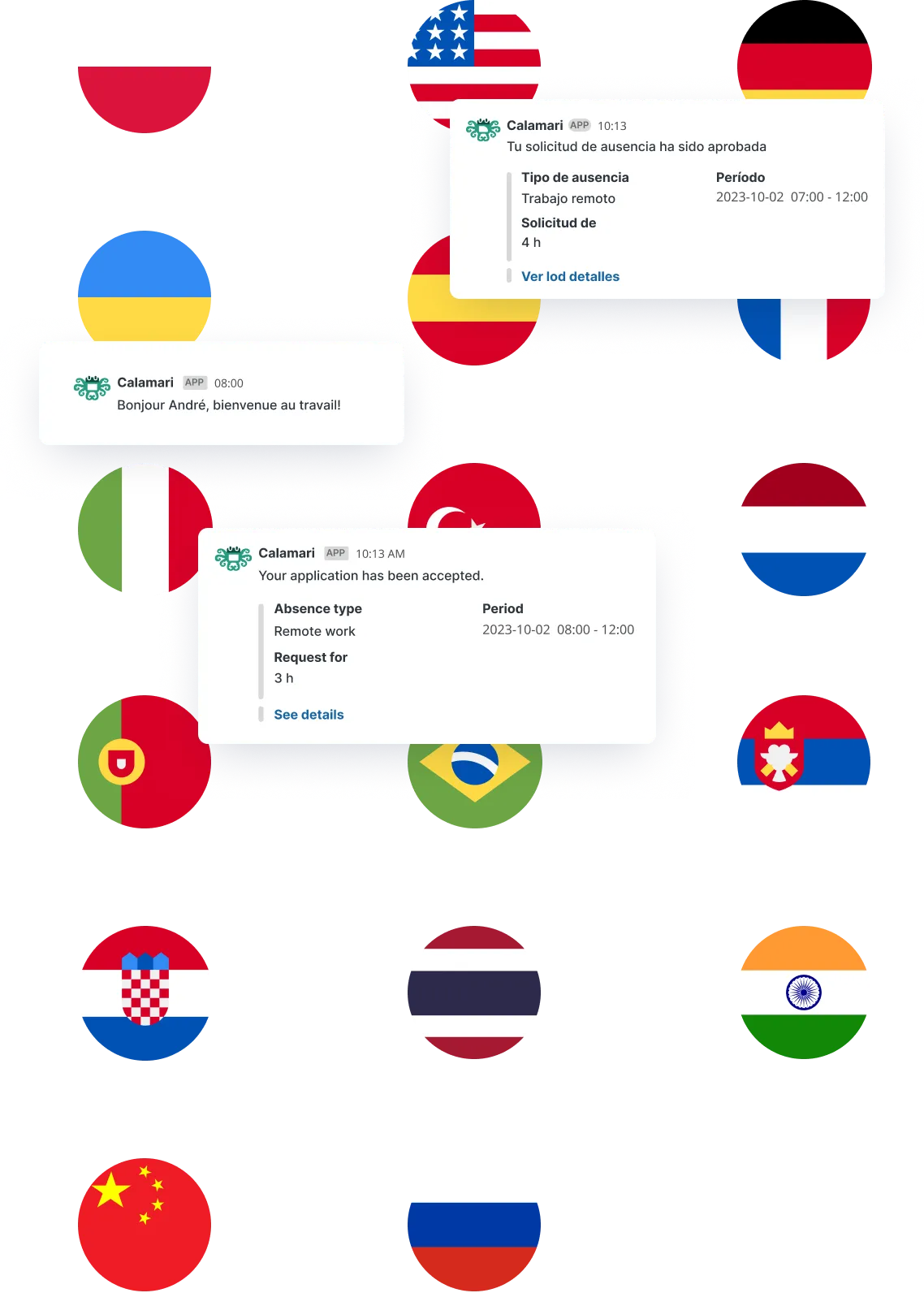
Your workforce is diverse, and your software should bridge the gap, not create one. Calamari is designed to support multicultural teams, allowing every employee to interact with the system in their native language—whether that’s Ukrainian, Spanish, Polish, or English.

For an HR Manager, this means fewer questions, fewer errors caused by misunderstandings, and a more inclusive environment for your blue-collar staff. By removing the language barrier, you ensure that every team member, regardless of their background, feels confident using the tools you provide.

While the system supports global time zones for international operations, its true power lies in making your local, diverse crew feel at home.

Centralized time off management for distributed teams

Core HR & Compliance Management

Keep your employee records organized, secure, and audit-ready.

Digital Employee Files & Alerts

Ditch the filing cabinets and keep your documentation compliant.

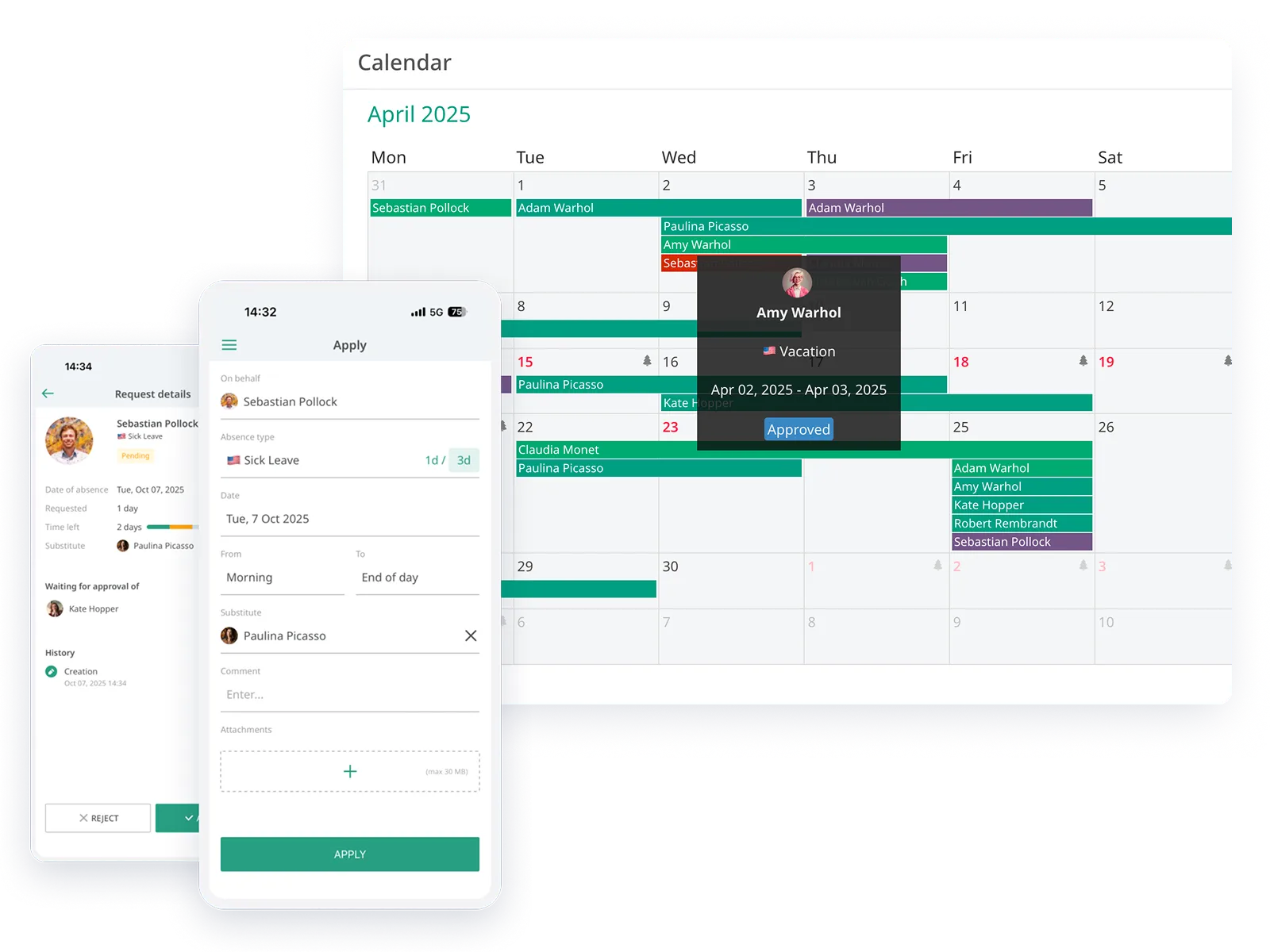
Field-Friendly Leave Management

Streamline vacation requests without the text-message chaos.

Calamari Product

Choose and Use Only Modules You Actually Need

Calamari grows with your team — whenever you need to upgrade number of employees or want to try a new module — we’re here for you!

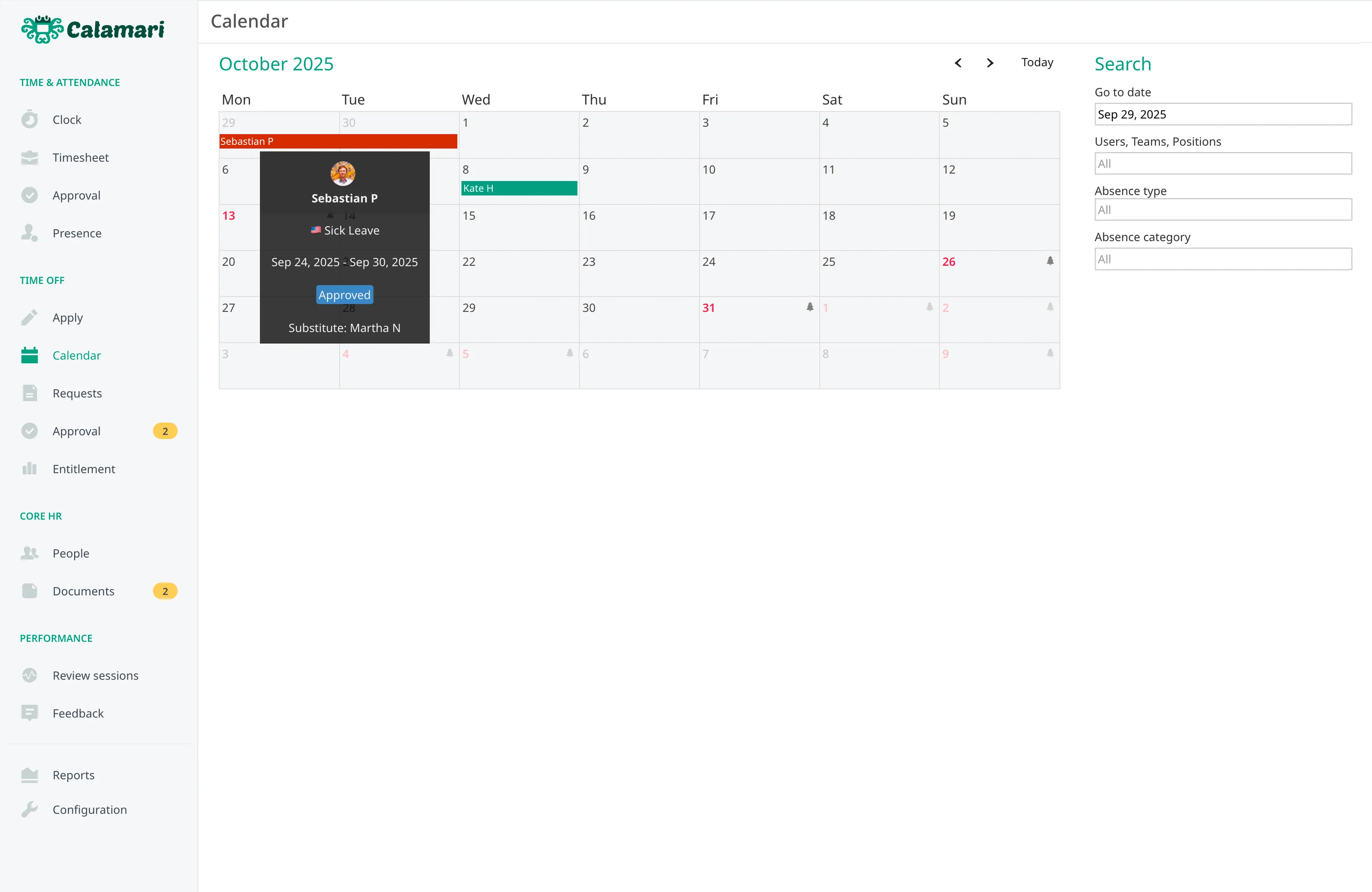
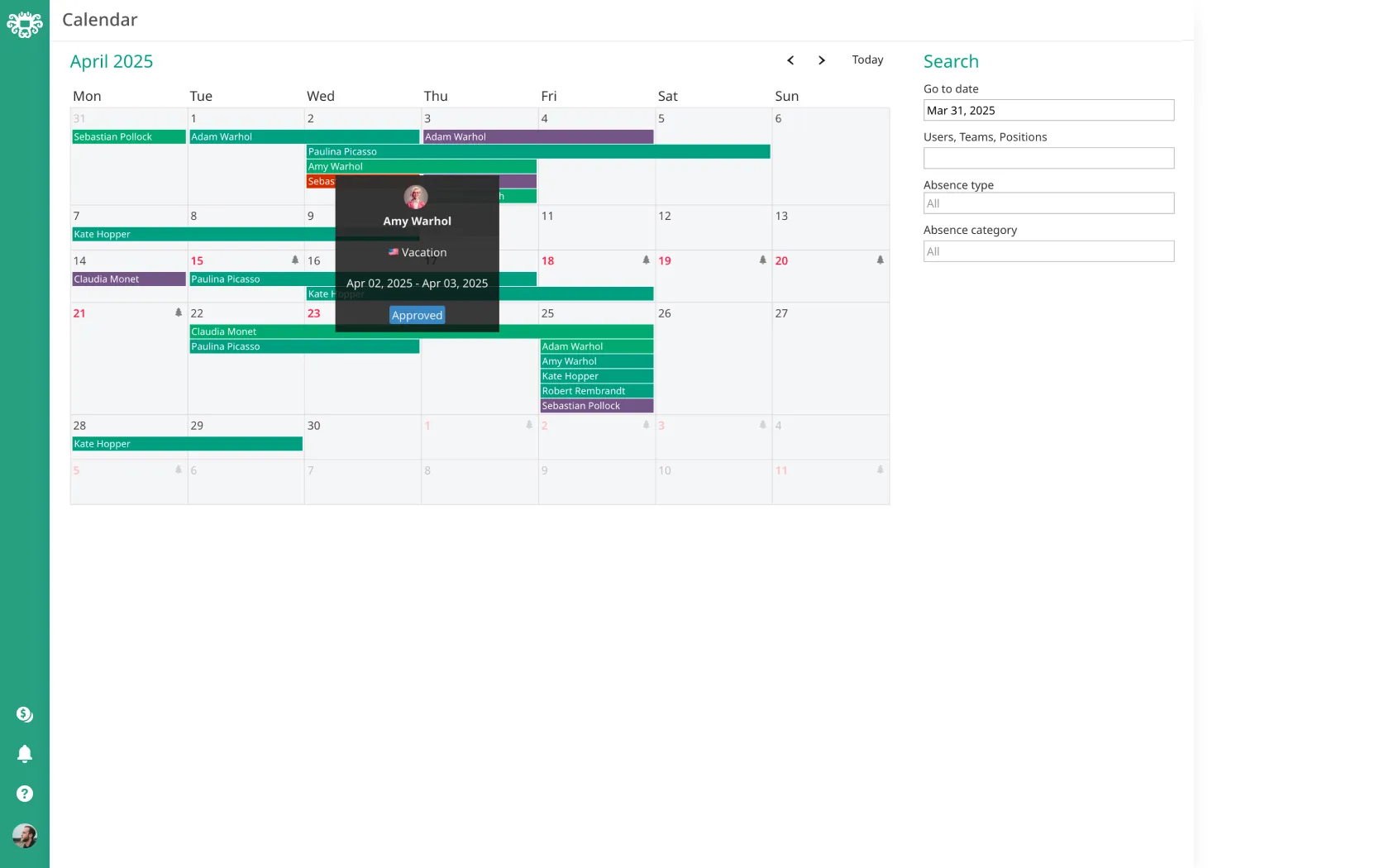
Absences overview calendar
Unlimited absence types
Automatic carry-over
Multi-country absence policies
Automatic balances calculations

Time Off

Change excel and paperwork for an easy-to-use leave management system

Learn more about Time Off

See also:

Seven time tracking methods
Timesheet management
Project tracking
Custom approval flows
Abnormalities detection

Time & Attendance

Get digital timesheets and clock-in clock-out tool to streamline HR processes

Learn more about T&A

See also:

  • Geofencing for accurate time tracking in specific locations
  • Kiosk for time tracking with QR codes and NFC
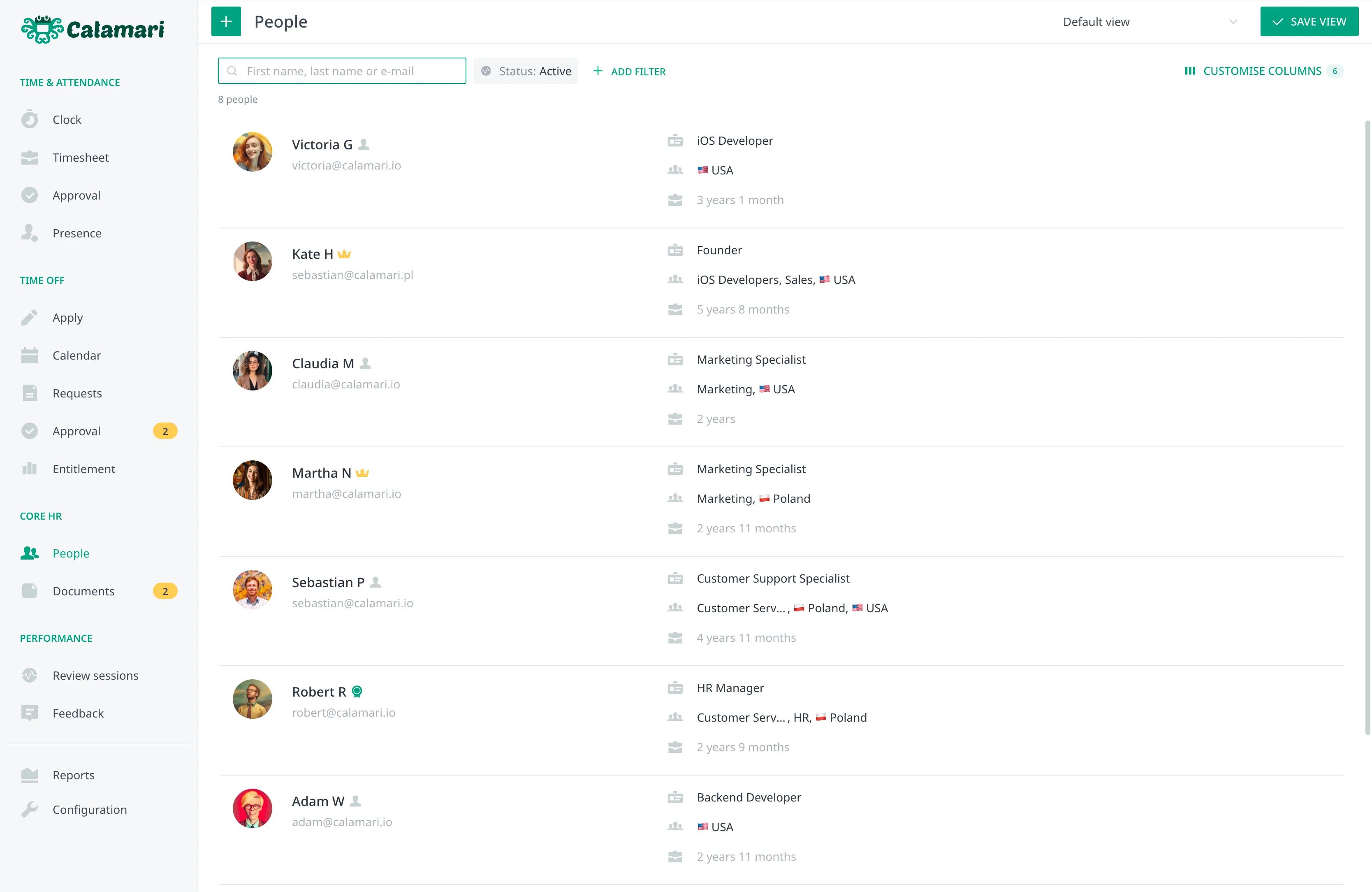
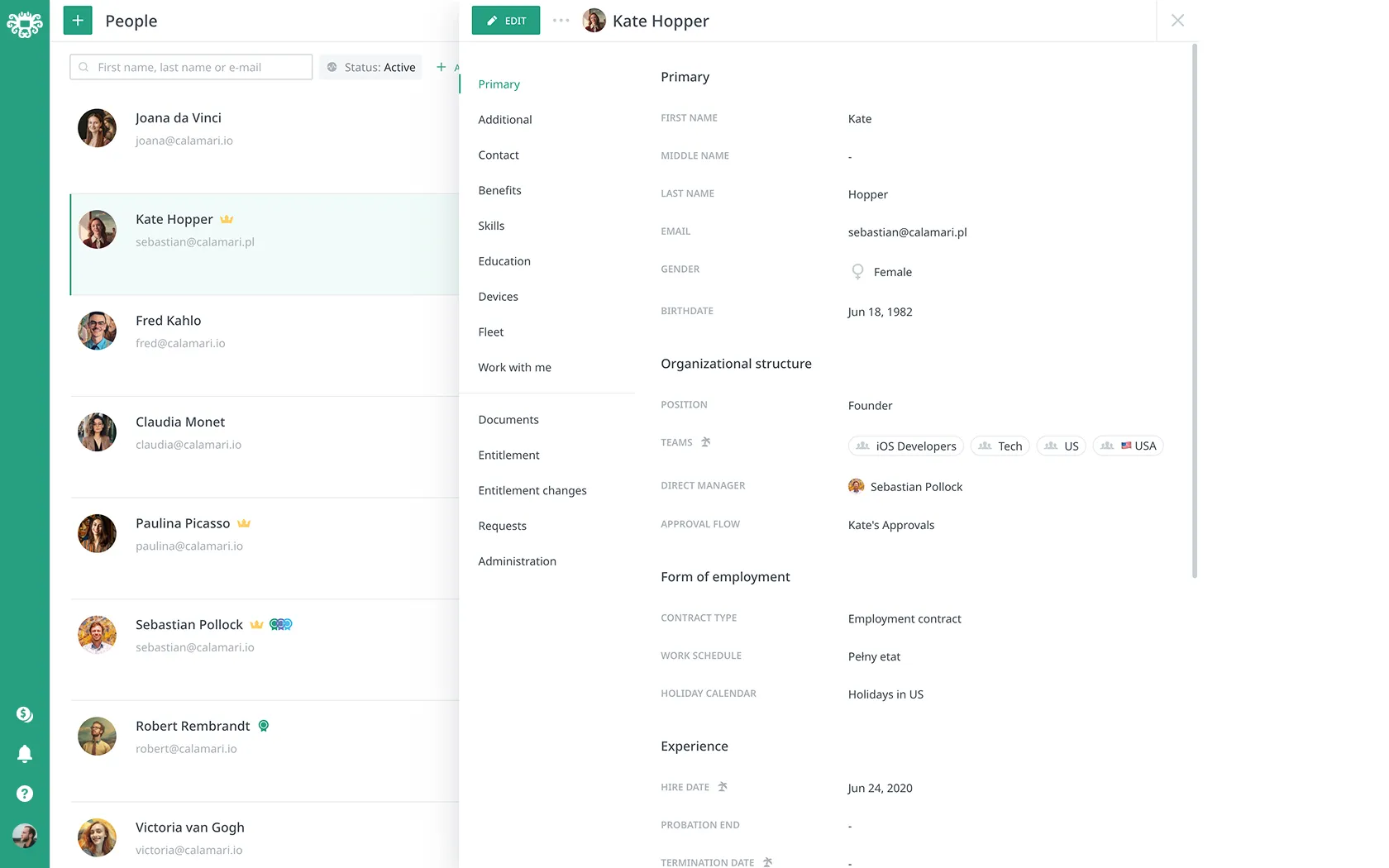
People directory
HR documents repository
Custom fields & categories
Reporting (e.g. People)
Document management flows

Core HR

Keep all HR Documents in a safe and well-organized place

Learn more about Core HR

See also:


Key Product Features

Need More to Go On?

Take a closer look at the key features that matter most — more flexibility, more impact, and more reasons to get started.

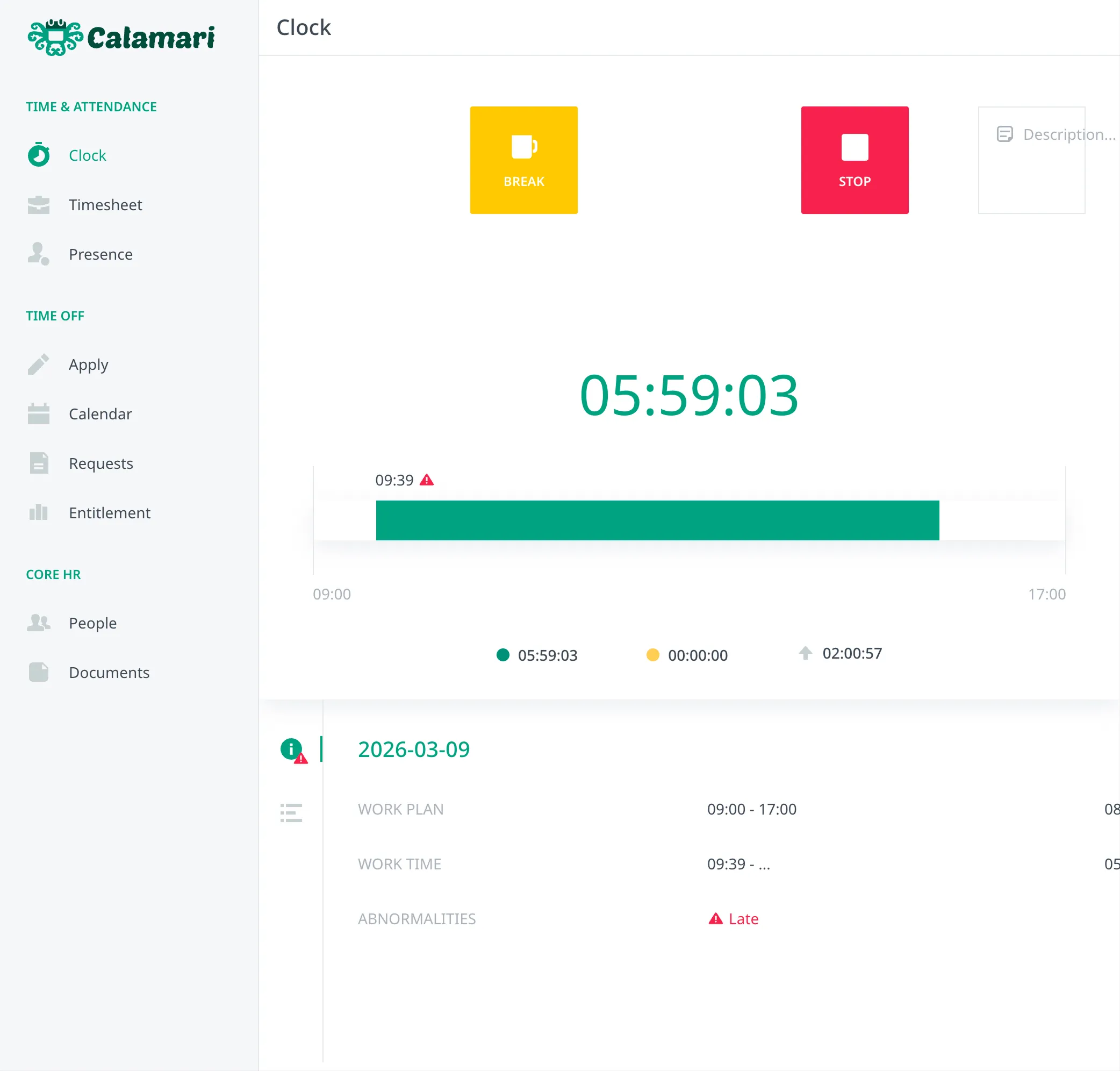
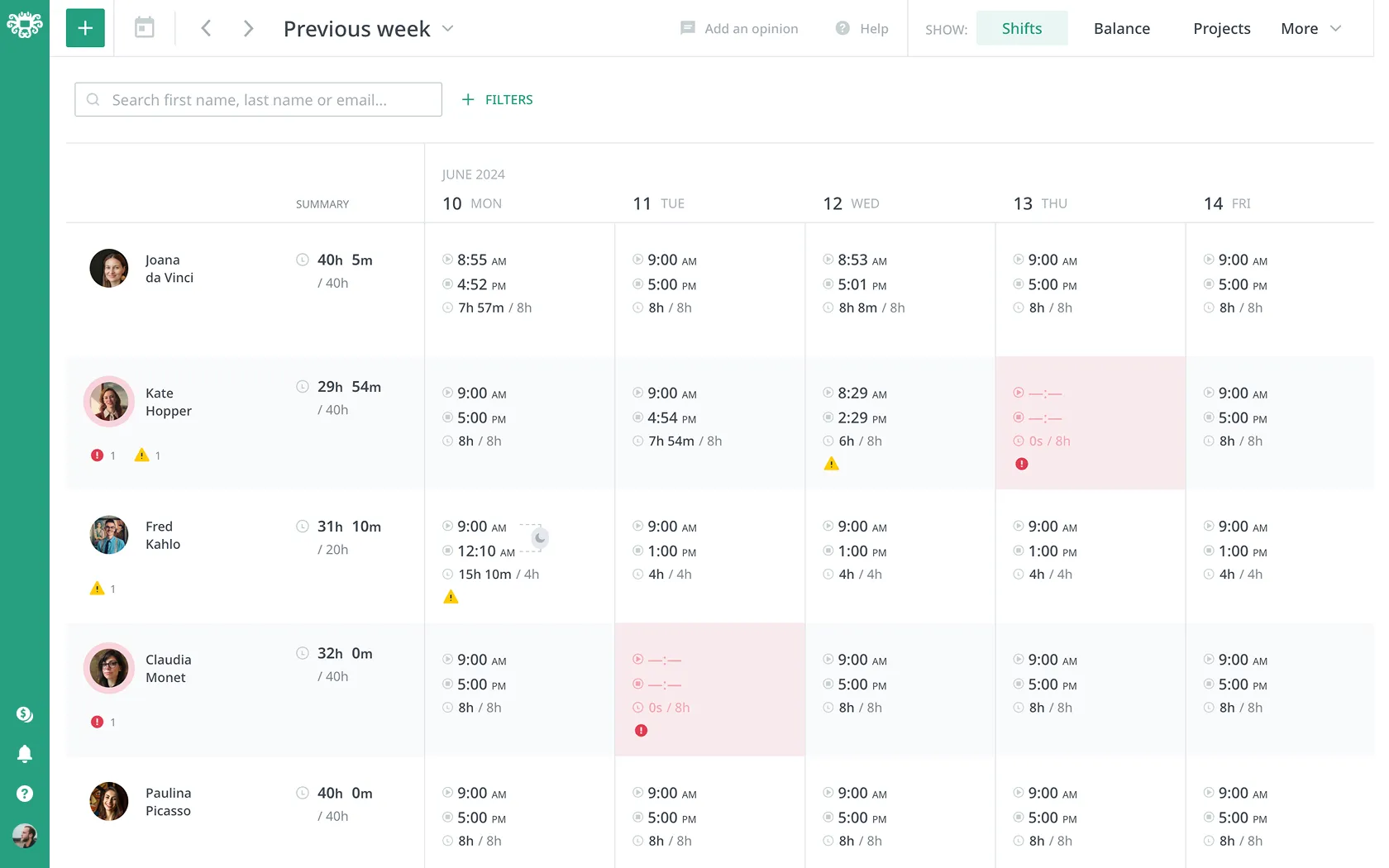
Presence overview
Different methods to track time
Time tracking abnormalities
Time project tracking
Timesheet approvals
Time clock app
Preview of employees presence in Calamari appCalamari list of seven different time tracking methodsTime tracking abnormalitiesPreview of project time spent on timeheet viewPreview of Timesheet approval drawerCalamari Kiosk APP for scaning QR codes to clock in/out

Simple HR & Transparent Pricing

Quick onboarding. Free 14-days trial. No credit card required.

Starts From
$2.5
per employee per month
View full pricing
Transparent time off approval dashboard
Various types of absences
Automatic calculation of time off
Email, Slack & MS Teams notifications
Multi-stage approval process
Holiday calendars
Transparent Calamari time off approval dashboardVarious types of absences in CalamariAutomatic calculation of time off. Calamari Entitlement tab.Email, Slack, MS Teams notifications directly from CalamariMulti step approval proccessHolidays Calendar import asset

Simple HR & Transparent Pricing

Quick onboarding. Free 14-days trial. No credit card required.

Starts From
$2
per employee per month
View full pricing
Configurable access restrictions
Documents
Full history of changes
Documents
Custom document directory structure
Documents
Different workflows for documents
Documents
Advanced search options
People
Work with me manual
People
Custom fields & sections
People
Employee online directory
People
Mobile app access
Mobile App
Configurable access restrictions HR software CalamariFull history of changes Calamari Core HR appCustom employee document directory structure Core HR Calamari HR softwareDifferent workflows for employee documents Core HR Calamari HR softwareEasy-to-use search engine in HR system - Calamari Core HR Work with me collaboration guideline - manual for employees with Calamari Core HR softwareCustom fields & sections HRIS Calamari Core HR software Employee online directory Calamari HRIS SoftwareDocument Scanning HR Mobile App Calamari HR software

Simple HR & Transparent Pricing

Quick onboarding. Free 14-days trial. No credit card required.

Starts From
$2
per employee per month
View full pricing
Synchronized Automatically

Keep HR Data Synchronized
with Your Favorite Tools

Calamari connects to the apps you use every day, allowing you to focus on your work.

FAQ

Get Ready for Efficiency

Stop being a bottleneck. Try Calamari free for 14 days and regain focus.

No card required. Trial ends automatically.
Thank you! Your submission has been received!
Oops! Something went wrong while submitting the form.
Support from day one
Start for free
Easy & quick setup
Manage from Mobile App

“In the 2+ years our company has used Calamari, we have heard nothing but positive feedback from employees and managers.”

– Parker R.VP, People, Mission & Culture at Brightspot