
Reports That Bring It All Together
Stop Guessing. Start optimizing. Get complete visibility into your workforce with one-click reporting.

Join 130,000+


relaxed employees from 106 countries


Overview
HR Command Center
Calamari consolidates data from three key areas: Time Off, Time & Attendance, and Core HR. Below is the complete toolkit available in your dashboard.
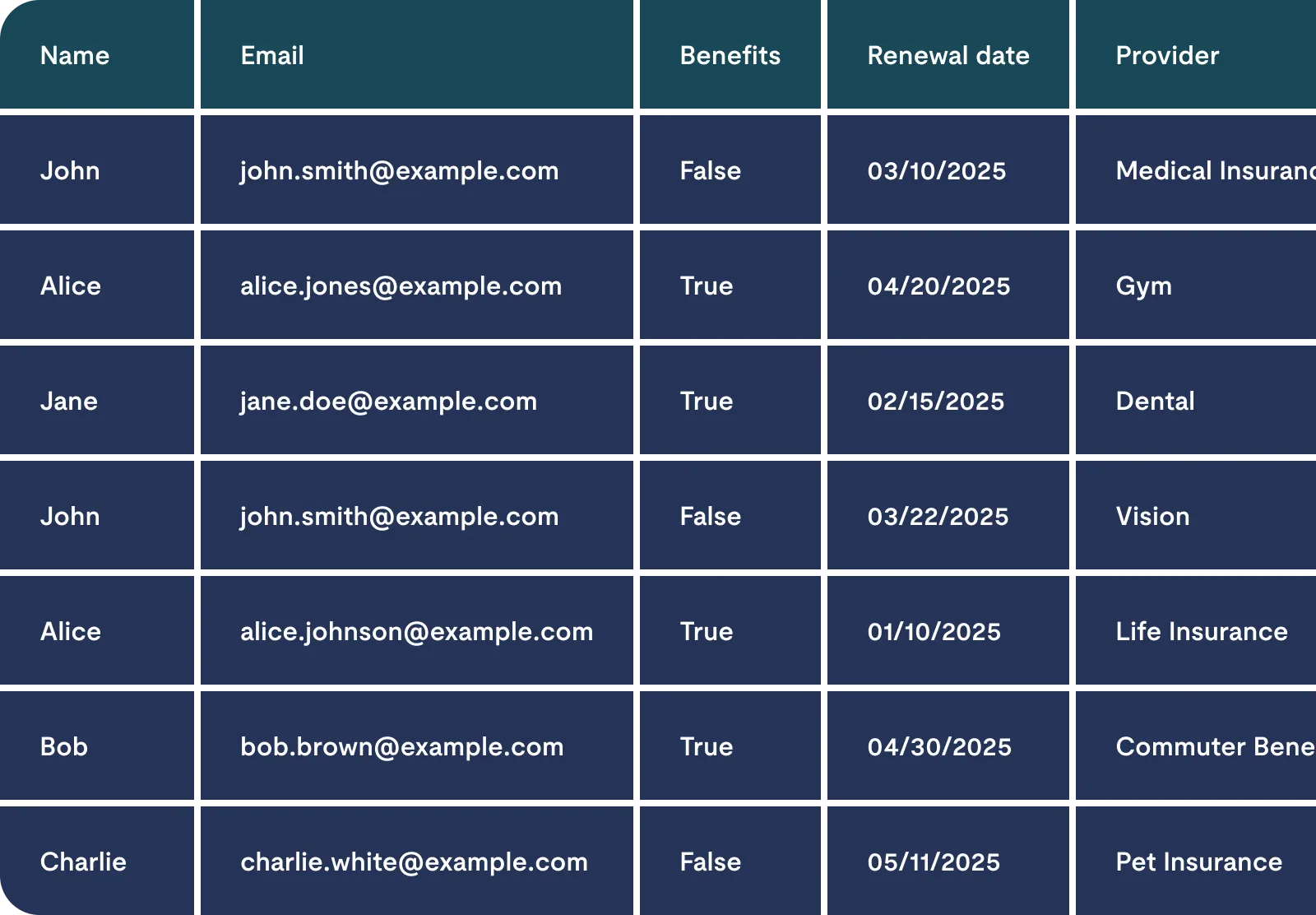
People
Your custom HR data builder.
Allows you to define, save, and reuse report templates based on any employee data (e.g., birthdays, contract end dates, exit reasons)

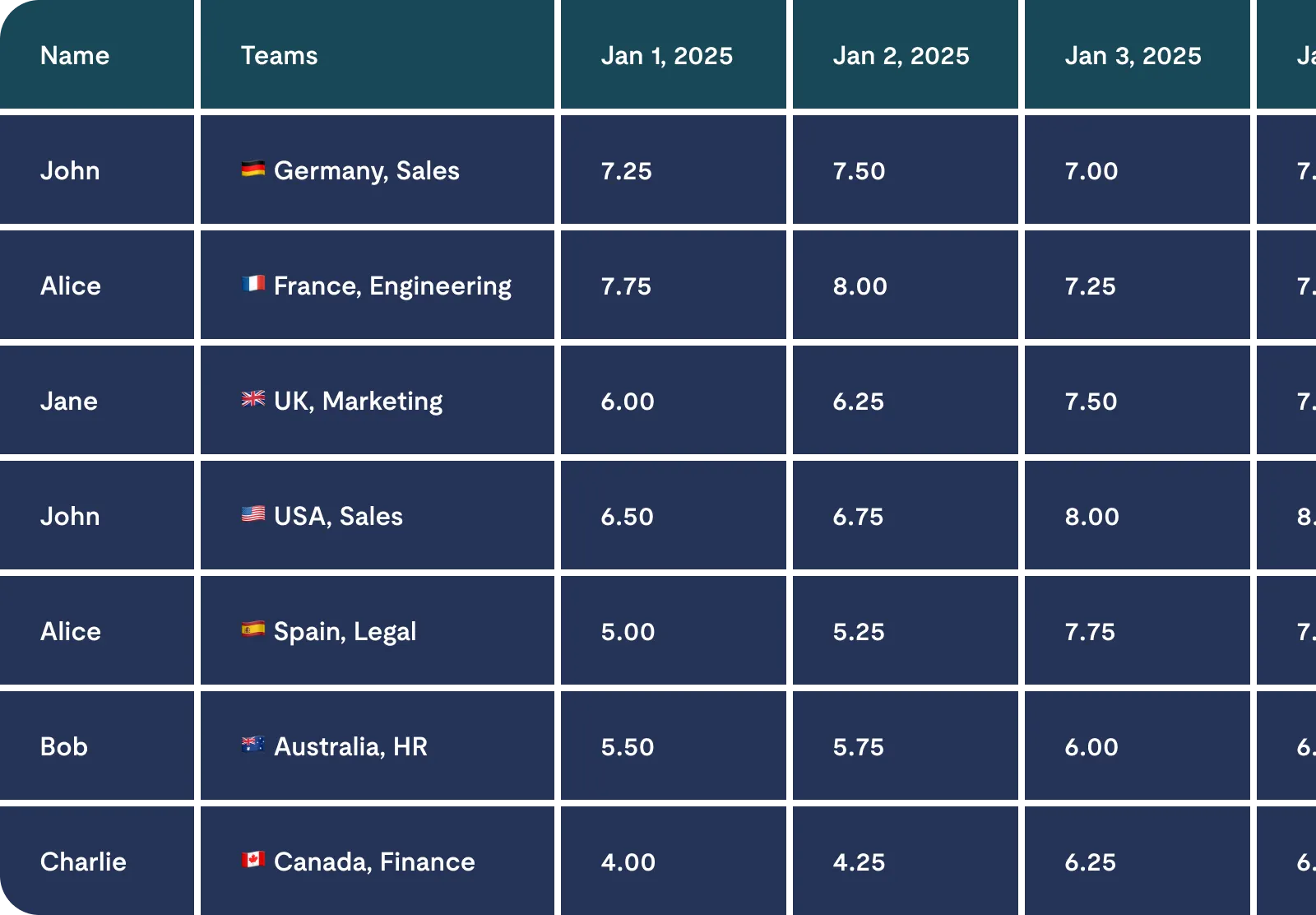
Timesheet Details
The most flexible report connecting all data points.
A consolidated view combining work time, leave requests, and projects. It allows for full column customization and filtering to see exactly what you need

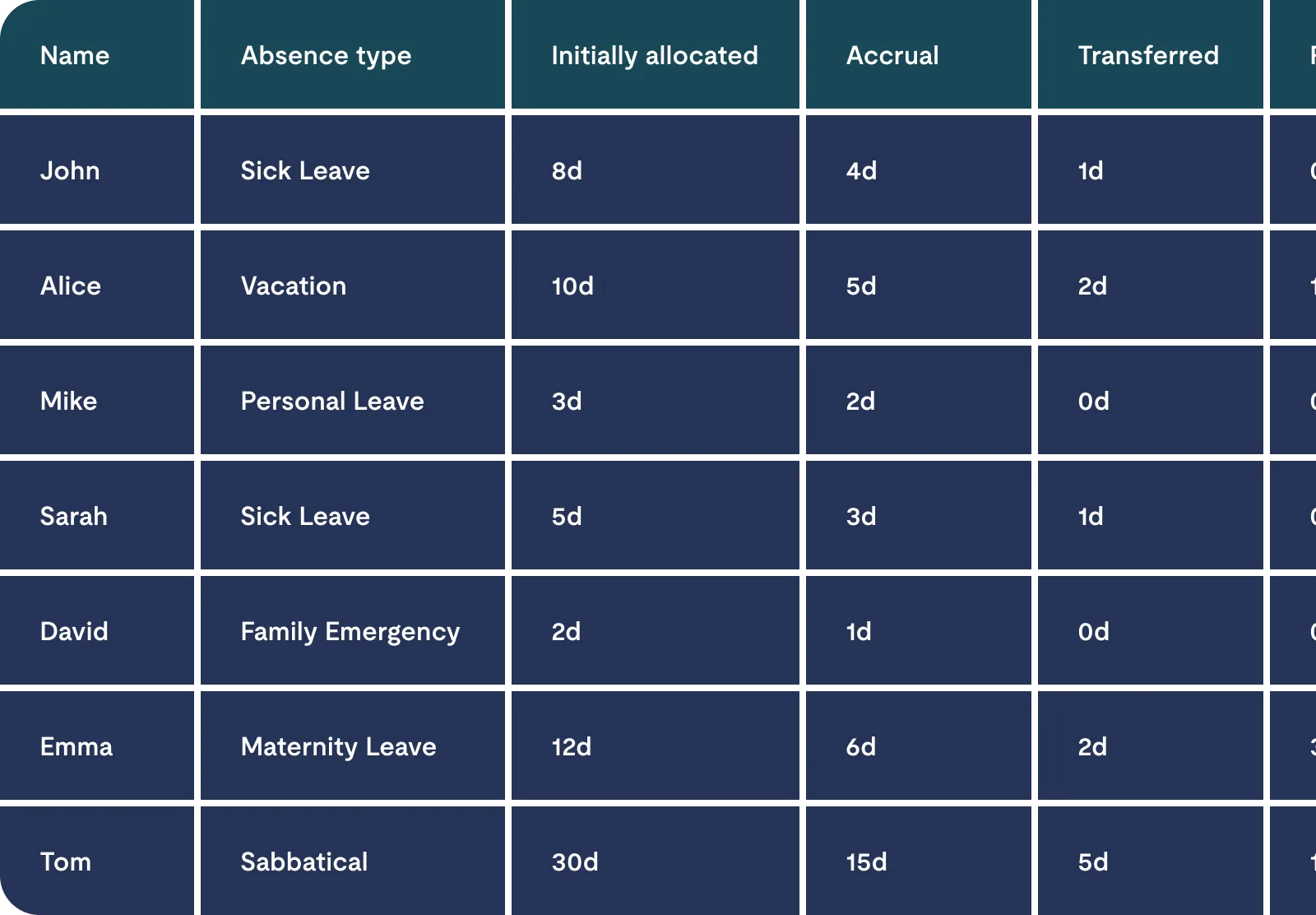
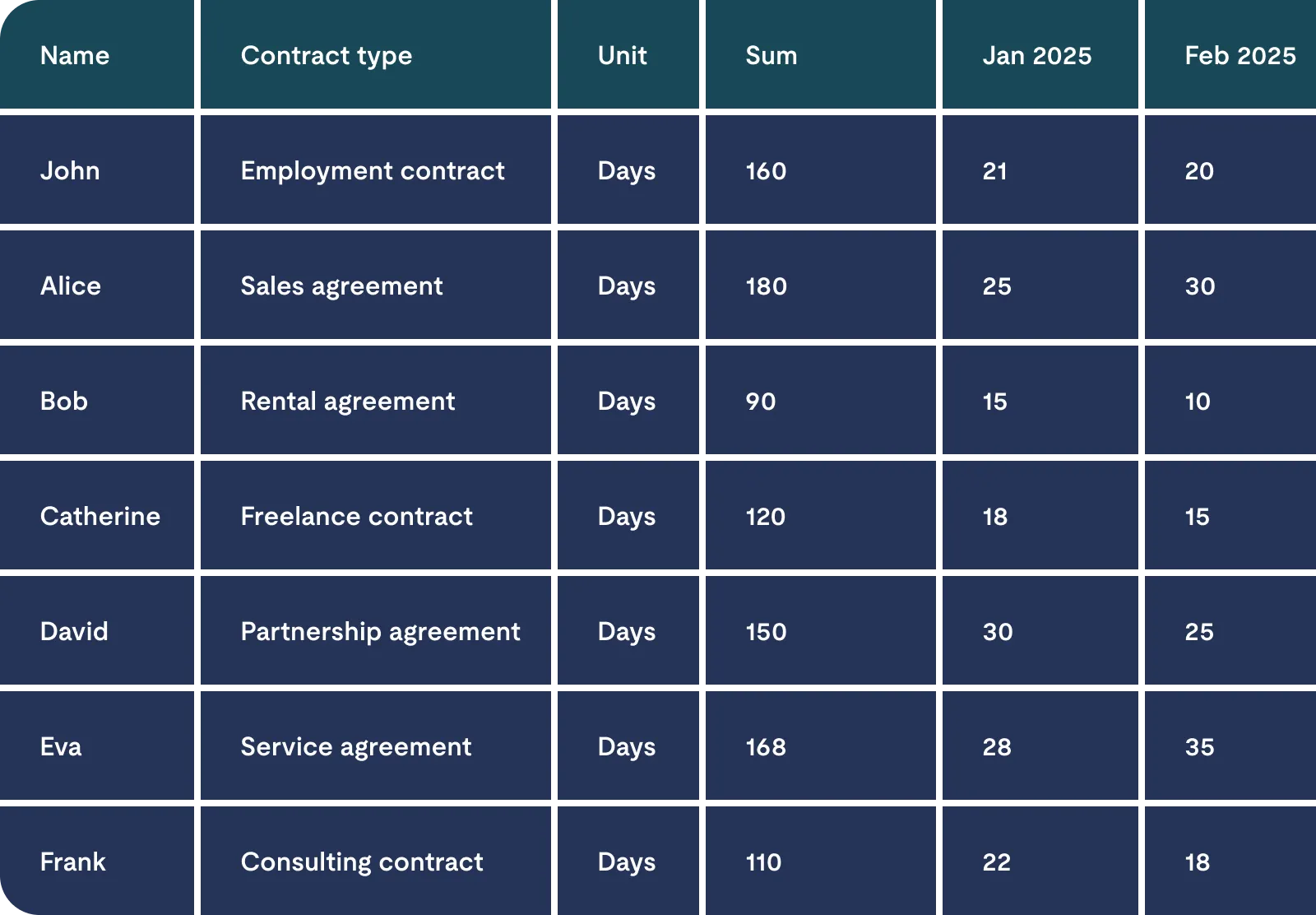
Entitlement
Full control over leave balances.
Reports on available, used, and carry-over leave days. Essential for year-end closing and budget reserves

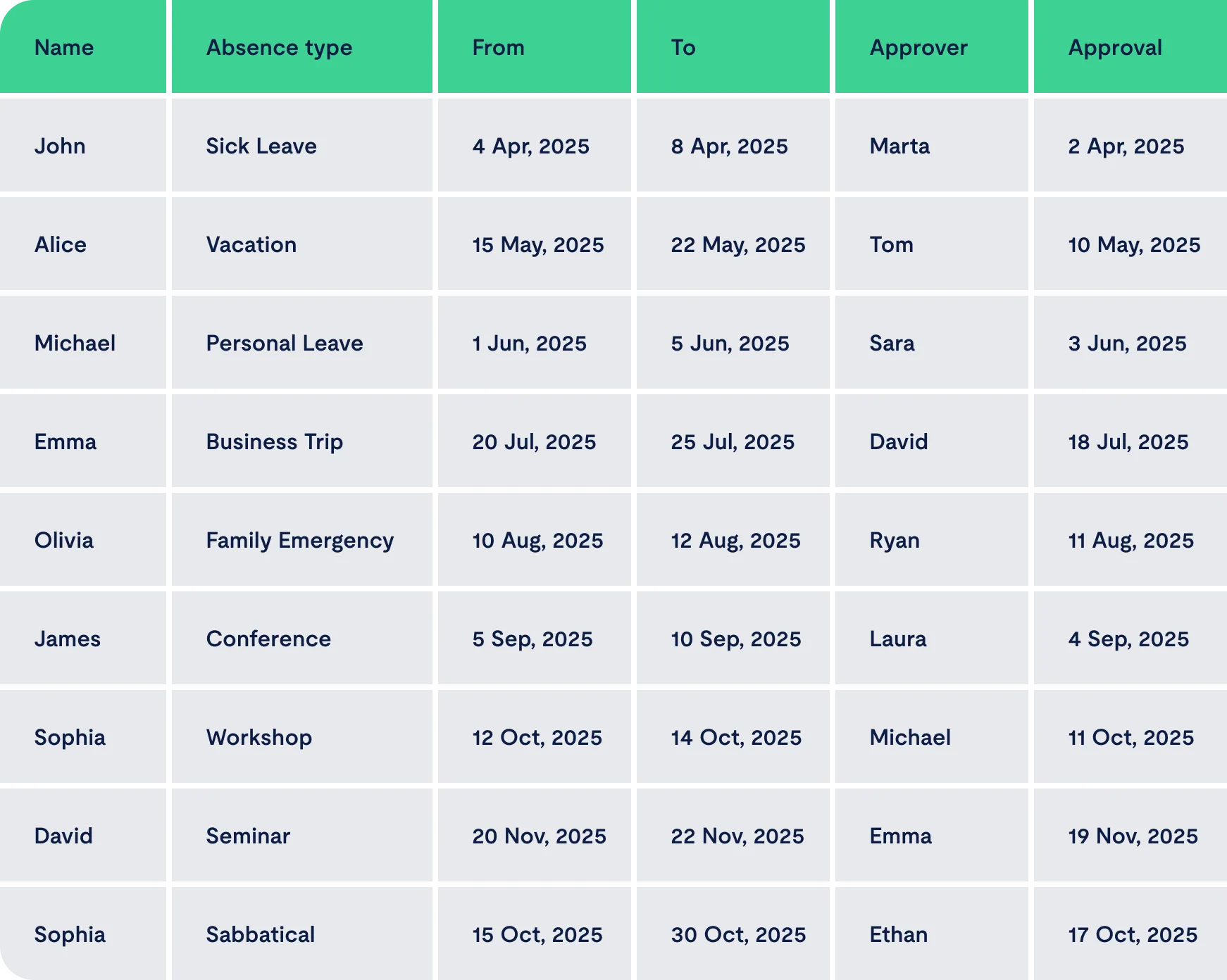
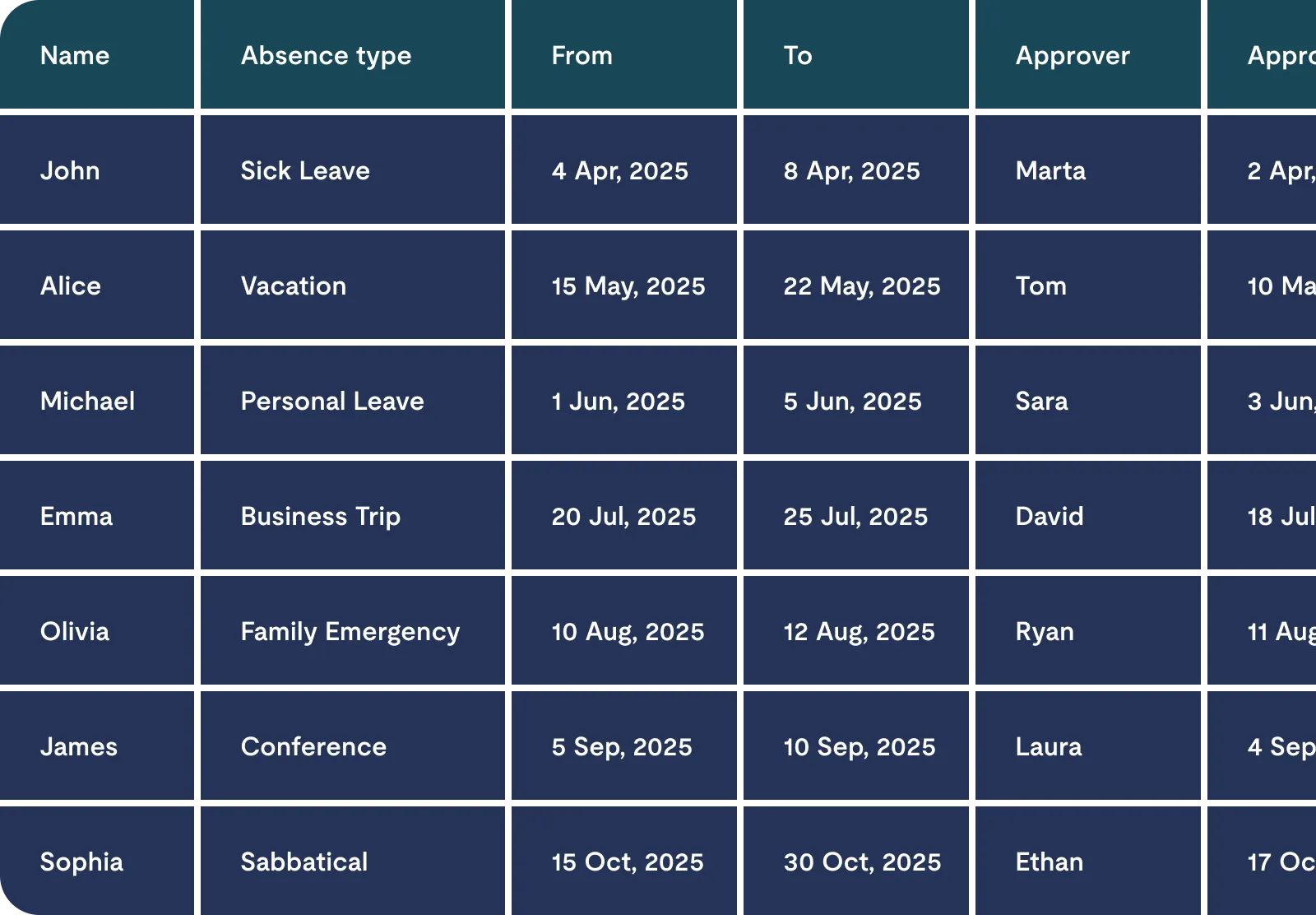
Requests
The foundation of your payroll.
A comprehensive list of all leave requests (paid and unpaid) with status tracking and export options

Payroll
Ready-to-use accounting data
Focuses strictly on approved absences within a selected period, showing days or hours to be deducted

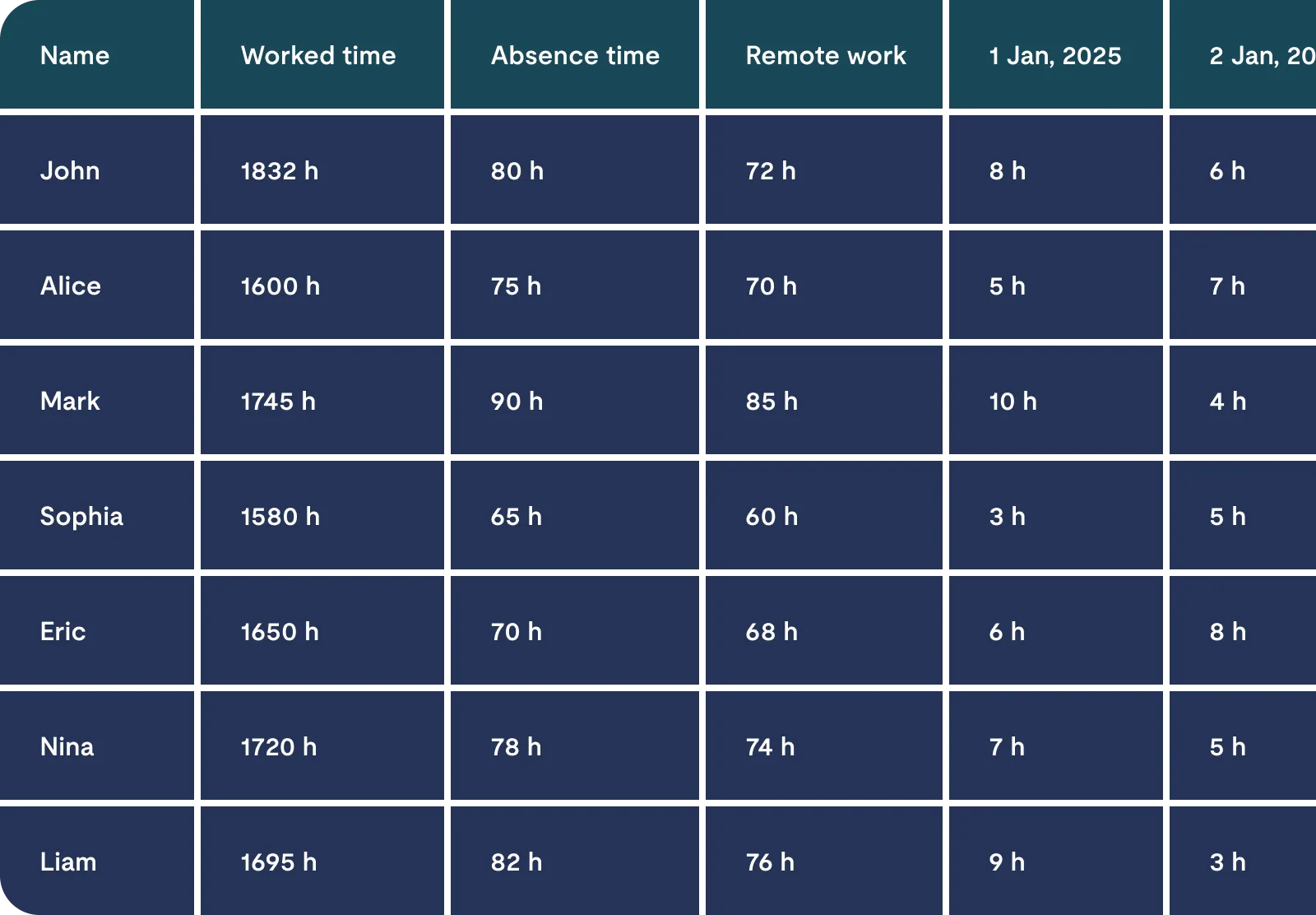
Attendance
Schedule and availability planning.
Combines planned leaves and remote work with work schedules to help maintain team operational continuity

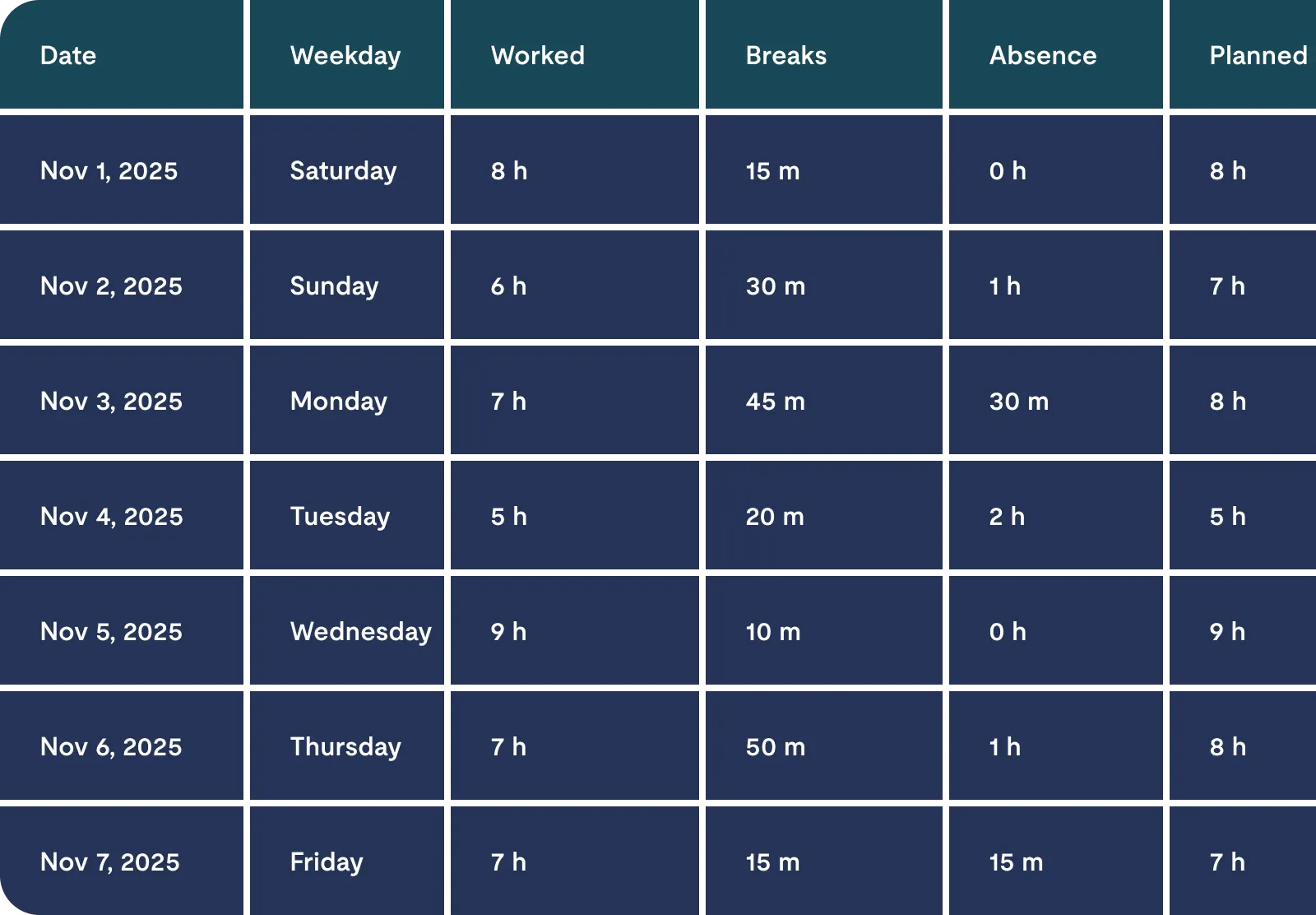
Timesheet
Classic day-by-day attendance
Provides a complete overview of work hours, breaks, and overtime within your chosen pay period (e.g. weekly or monthly)

Acitivities
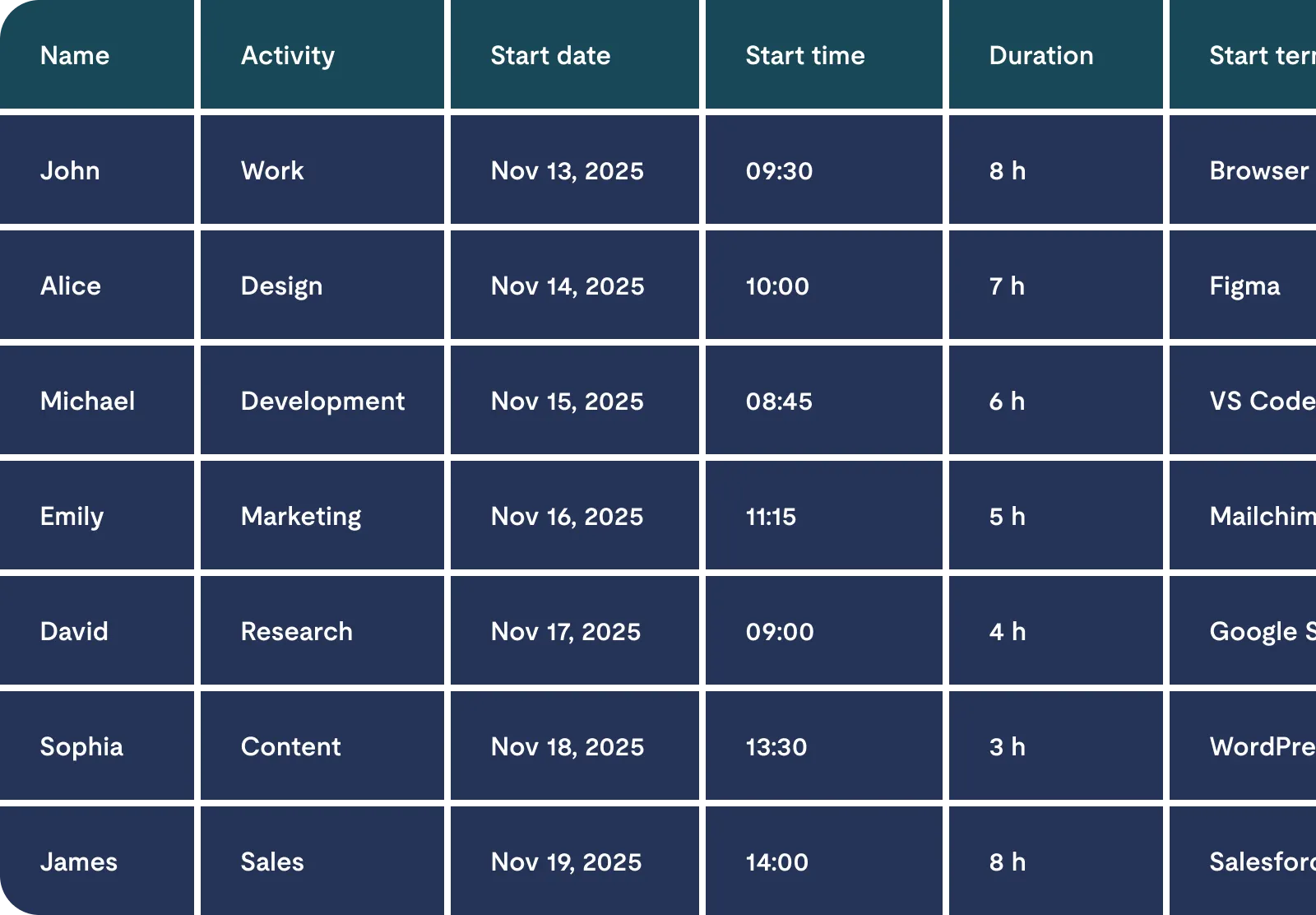
Track time spent on specific actions.
Detailed logs of start/stop times, break durations, and GPS locations for full transparency

Abnormalities
Catch errors before payroll.
Automatically flags issues like tardiness, early departures, or unauthorized overtime

Presence List
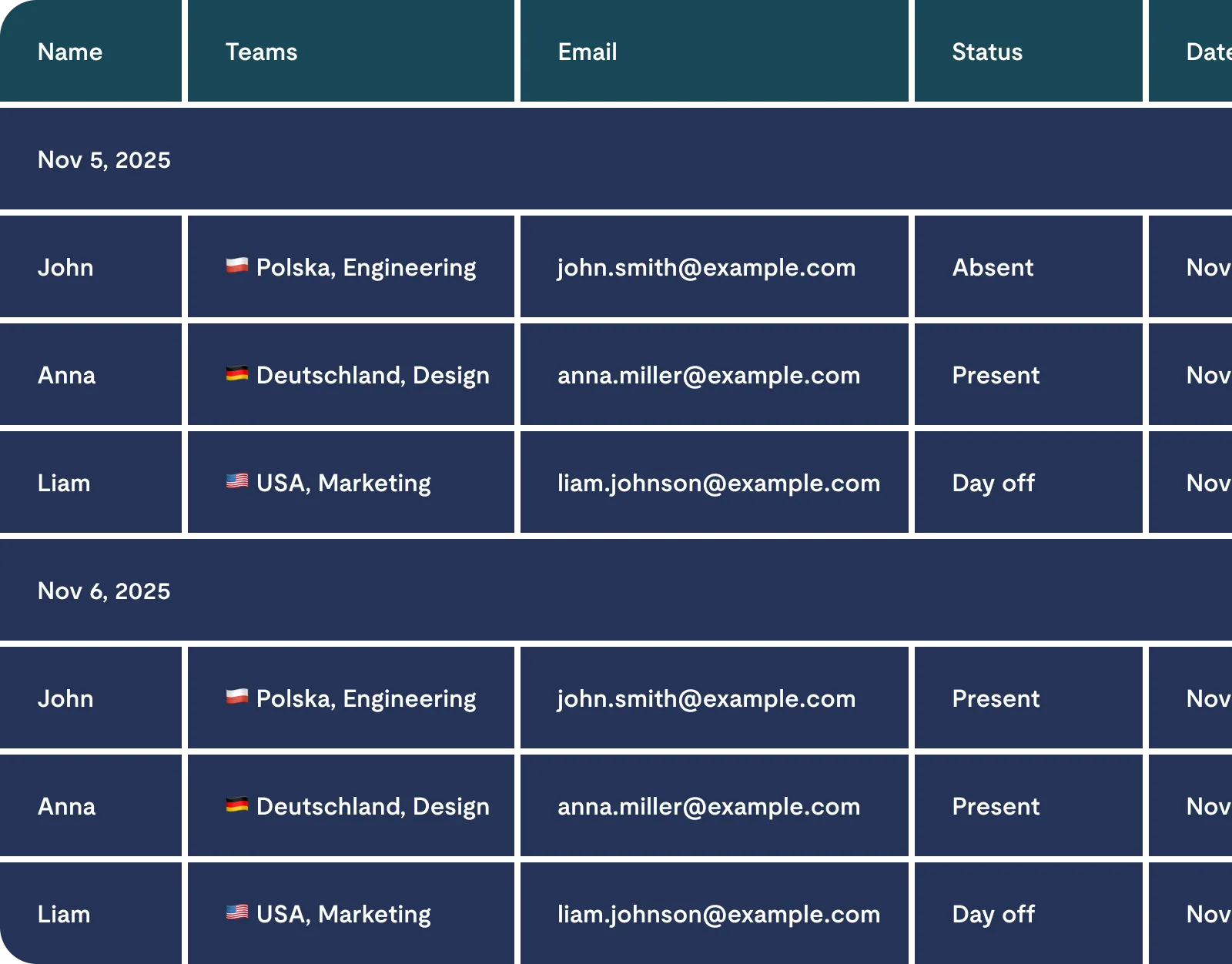
See who is working right now.
A quick overview of employee availability in real-time, perfect for audit purposes and safety checks

Projects
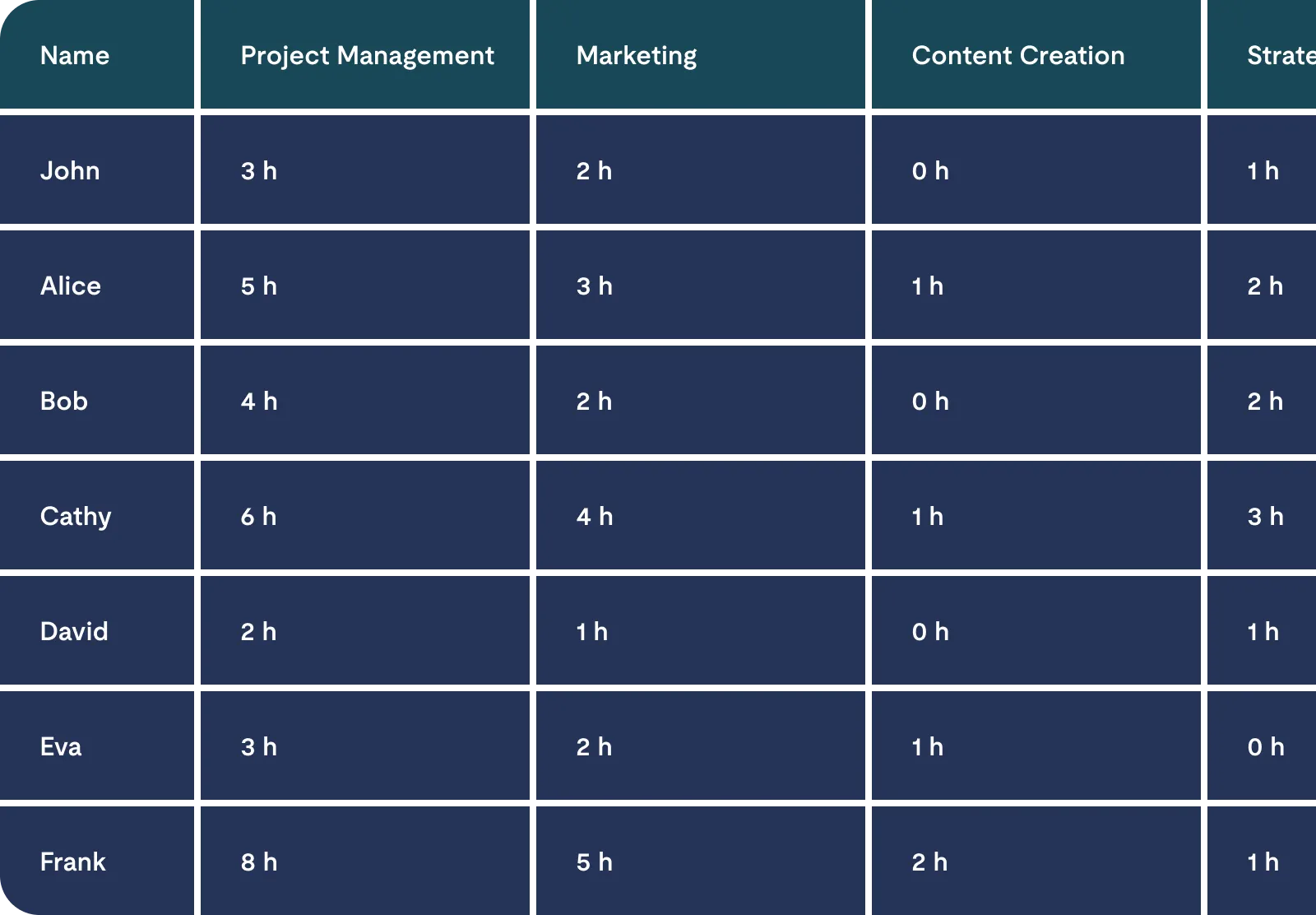
Analyze costs and resource allocation.
Shows how much time teams spend on specific projects, facilitating client billing and internal budgeting

Module-Based Reports
Reports That Solve Real Business Problems
Reports are only useful when they answer a real question: what’s happening, why it’s happening, and what to do next. Calamari brings together time off, attendance, and Core HR data so you can spot issues early, prepare payroll faster, and make decisions based on facts — not guesswork.
Time Off Reports
The Real Cost of Manual Leave Tracking
Without Calamari:
- 2-3 hours monthly per HR admin reconciling spreadsheets
- Payroll errors requiring corrections and potential disputes
- Hidden leave liability that impacts annual budgets
With Time Off Reports:
- One-click export to payroll systems (Enova365, Symfonia, Optima, R2Płatnik)
- Real-time leave balance monitoring prevents year-end accumulation
- Audit-ready compliance documentation
What You Actually Need Right Now
Entitlement Report
Most used for payroll prep
When to use:
Monthly payroll closing, year-end leave liability calculation
What you get:
Complete breakdown of available, used, and carried-over leave days per employee
Requests Report
Your payroll foundation
When to use:
Every pay period - feeds directly into your payroll system
Export formats:
Polish systems (Enova365, Optima, Symfonia, R2Płatnik) or flexible Excel
Payroll Report
Approved absences only, accounting-ready
When to use:
Final payroll calculation for the period
What you get:
Only approved absences in days or hours - clean data for accounting
Time & Attendance Reports
The Real Cost of Manual Time Tracking
Without Calamari:
- Hours spent monthly manually calculating work hours from punch cards or sign-in sheets
- Overtime disputes due to unclear records and lack of audit trails
- No insight into actual productivity—just raw hours that don't show project allocation
With Time & Attendance Reports:
- Automated timesheet generation with customizable pay periods (weekly, bi-weekly, monthly)
- Instant identification of abnormalities (tardiness, early departures, unauthorized overtime)
- Project-level time tracking for accurate client billing and resource optimization
What You Actually Need Right Now
Timesheet Report
Your day-by-day attendance bible
When to use:
End of pay period (weekly, bi-weekly, or monthly cycles)
What you get:
Complete overview of work hours, breaks, overtime with plan vs actual comparison
Timesheet Details Reports
Most customizable - for complex scenarios
When to use:
Weekly review before payroll closes
What you get:
Full column control - choose what to see, filter by projects/breaks/absences
Abnormalities Report
Most customizable - for complex scenarios
When to use:
When you need work time + leave + projects in one view
What you get:
Automatic flags for tardiness, early departures, missing clock-outs, unauthorized overtime
Core HR Reports
The Real Cost of Scattered Employee Data
Without Calamari:
- Employee information spread across multiple spreadsheets, folders, and email threads
- 30-60 minutes searching for data when asked "Who needs H&S training renewal?"
- Unable to analyze turnover patterns or spot retention risks until it's too late
With Core HR Reports:
- Customizable People Report templates save recurring queries (birthdays, anniversaries, contract renewals)
- One-click access to strategic insights like exit reasons, certification expiry dates, or device inventory
- Multi-location reporting for international teams—filter by country, contract type, or department instantly
What You Actually Need Right Now
People Report
Most powerful for strategic HR
When to use:
Whenever you have recurring HR questions that need answers fast
What you get:
Build custom templates once, reuse forever with one click
Save templates for
- Contract renewals in next 90 days
- H&S training renewals due
- Employee exits with reasons
- Work anniversaries (with addresses)
- Device inventory per employee
Advanced filtering: Status, birthdays, job title, contract type, hire/termination dates, custom fields
Templates
Essential Templates for Modern HR
Here are examples of templates you can create in Calamari Reports
| Template Name | Business Problem It Solves | Key Insight You'll Get |
|---|---|---|
| Employee Exit Analysis | High turnover in specific departments | 23% of engineering departures cited lack of growth opportunities |
| Contract Renewals Due | Missing contract deadlines costs hiring time | 14 contracts expiring in Q2—negotiate renewals now |
| H&S Compliance Tracker | Risk of compliance fines up to €30K | 5 employees overdue for safety training |
| Unused Leave Liability | Hidden costs impact annual budgets | €47K in unused leave across IT department |
| Device Inventory | Lost/untracked equipment costs €2K+ per device | 3 laptops unaccounted for from former employees |
Frequently Asked Questions
Here’s some information helpful for anyone looking to understand exactly how Calamari Reports work.
What reports are available in Calamari?
What does the Timesheet Report show?
What is the Timesheet Details Report used for?
What does the Abnormalities report flag?
What is the Presence list report?
How do I export reports?
What are leave request statuses in Calamari?
How can managers approve or reject leave requests?


Join 130.000+ relaxed employees from 106 countries
See for yourself how much time you can save by automating time off management, easy time tracking or having one place for all HR documents.







