
Join 130,000+
relaxed employees from 106 countries

Not sure where to start? Pick what fits your team.

You don't need a written feedback policy to get visibility settings right. Just ask yourself one question: is your team ready for feedback with names attached?

1

First time running reviews?

Start with anonymous responses. People write more honestly when their name won't show up. Once the team gets comfortable, turn on the opt-in checkbox so willing reviewers can sign their feedback.

2

Team already used to open feedback?

Go with named responses. Add one anonymous question at the end of the form as a safe space for the topics people hesitate to raise face to face.

3

Founder running reviews without HR?

Keep it simple. Set up anonymous peer reviews and named self-assessments. Two perspectives, no one feeling exposed.

Named, anonymous, and confidential responses in one review cycle

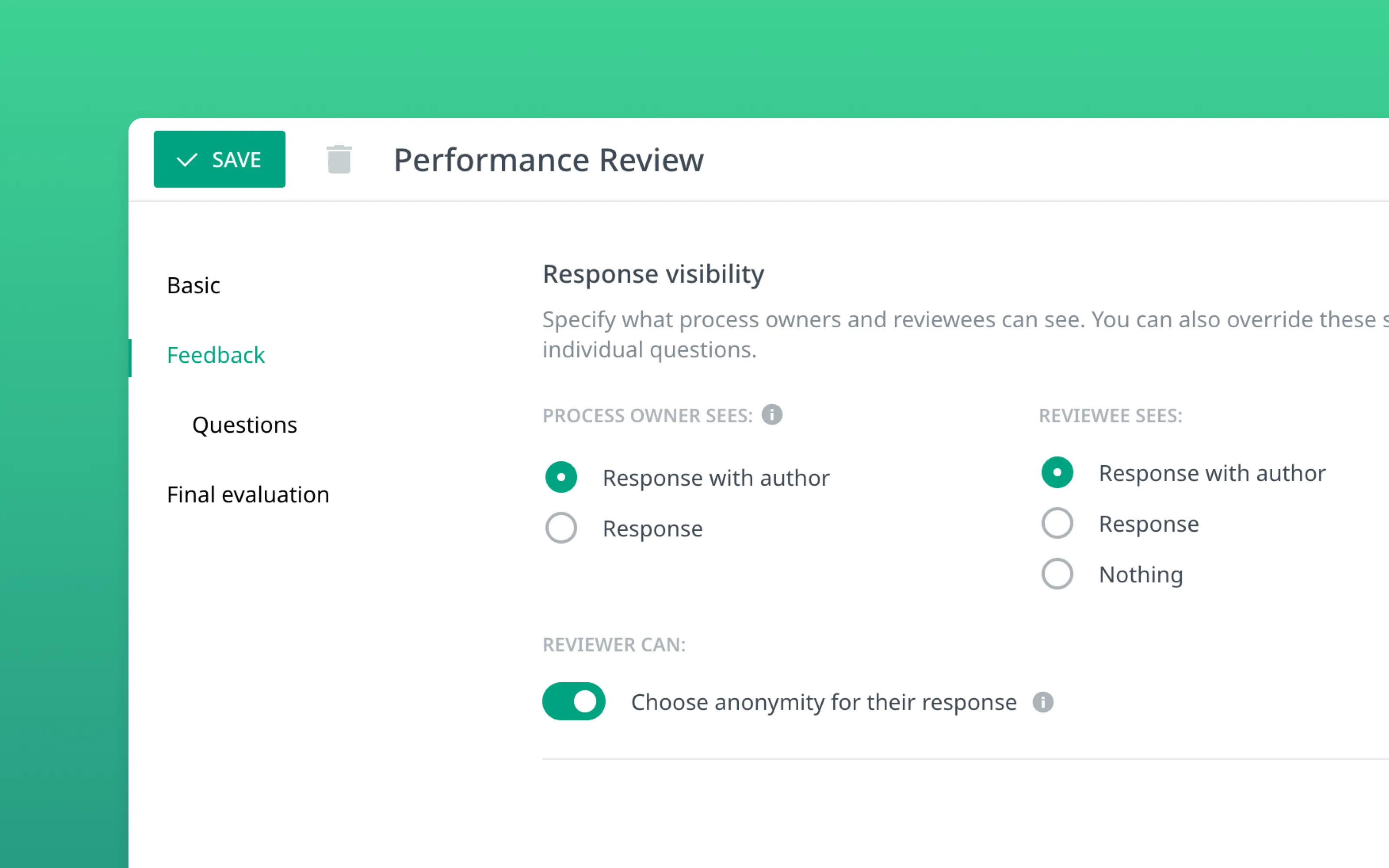
Most performance review tools treat anonymity as a toggle: on or off, for the entire cycle. Calamari gives you three visibility modes that you set separately for the process manager (direct manager and admin) and for the reviewee.

Named response

The reader sees both the content and who wrote it. Works well in teams where feedback is already part of daily conversation and no one hesitates to put their name on it.

Response only

Content is visible, but the author is hidden. Individual responses are labeled "Anonymous reviewer #1," "#2," and so on, so they can be distinguished from one another without being linked to a specific person.

No access

The reviewee doesn't see the responses at all. Feedback goes only to the manager or HR and can serve as material for the summary conversation.

Reviewers decide for themselves whether to sign their feedback

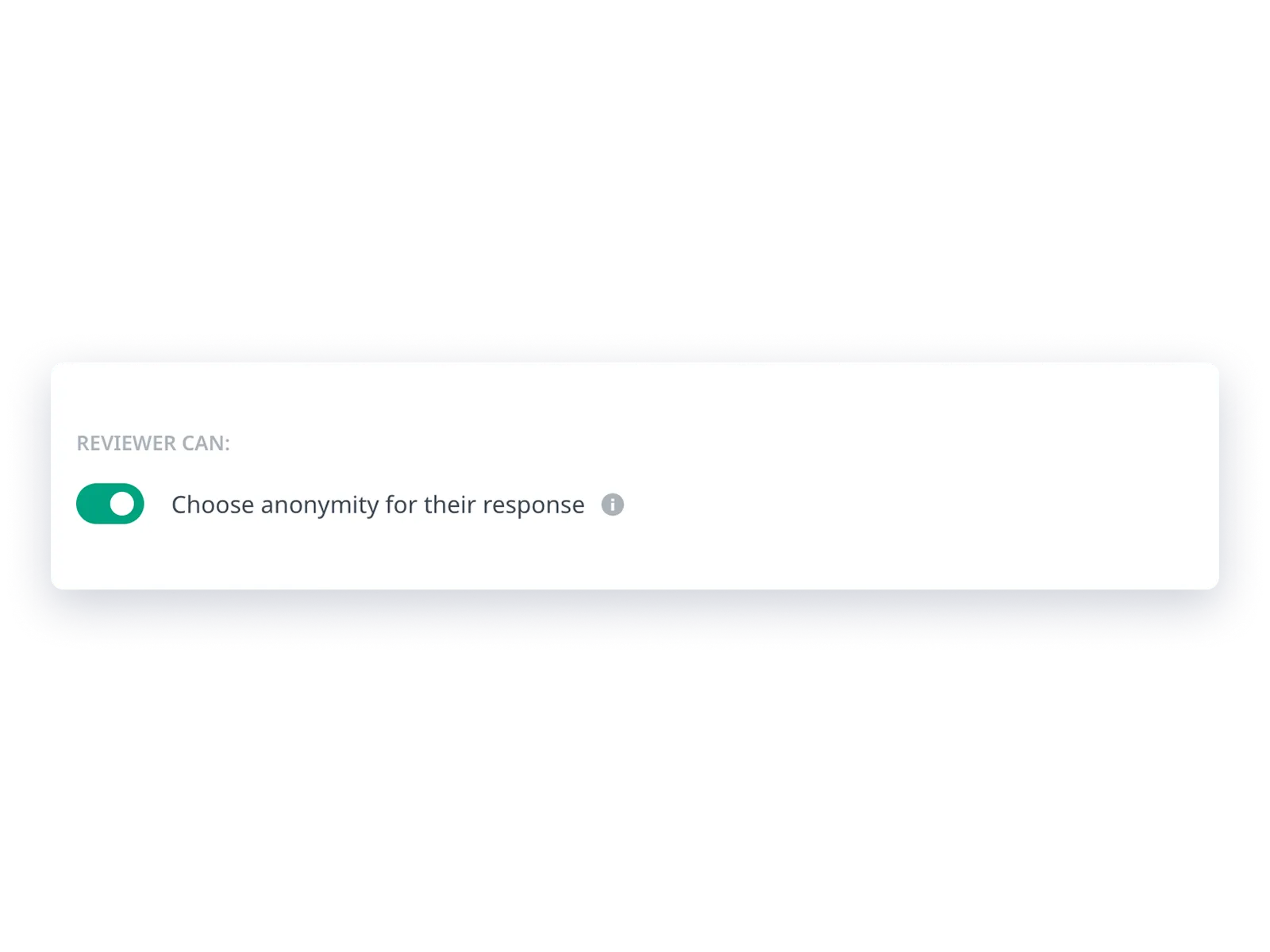
In a typical tool, the admin decides for everyone: reviews are either named or anonymous, and no one gets a choice. In Calamari, you can hand that decision to the person writing the review.

Turn on the "Reviewer can decide" option in your review process configuration. Every person filling out the form will then see an additional choice: respond with my name or respond anonymously.

Example: You set up peer reviews as anonymous by default. Most people take advantage of the anonymity, but someone wants their praise for a well-run project to carry their name. They check the box, and their response shows up in the results with their full name. Right next to it is feedback from another person, labeled "Anonymous reviewer #1." Both forms coexist in the same view.

Anonymity stays the default, but nobody is locked into it. Each reviewer decides for themselves.
One anonymous question, the rest is named

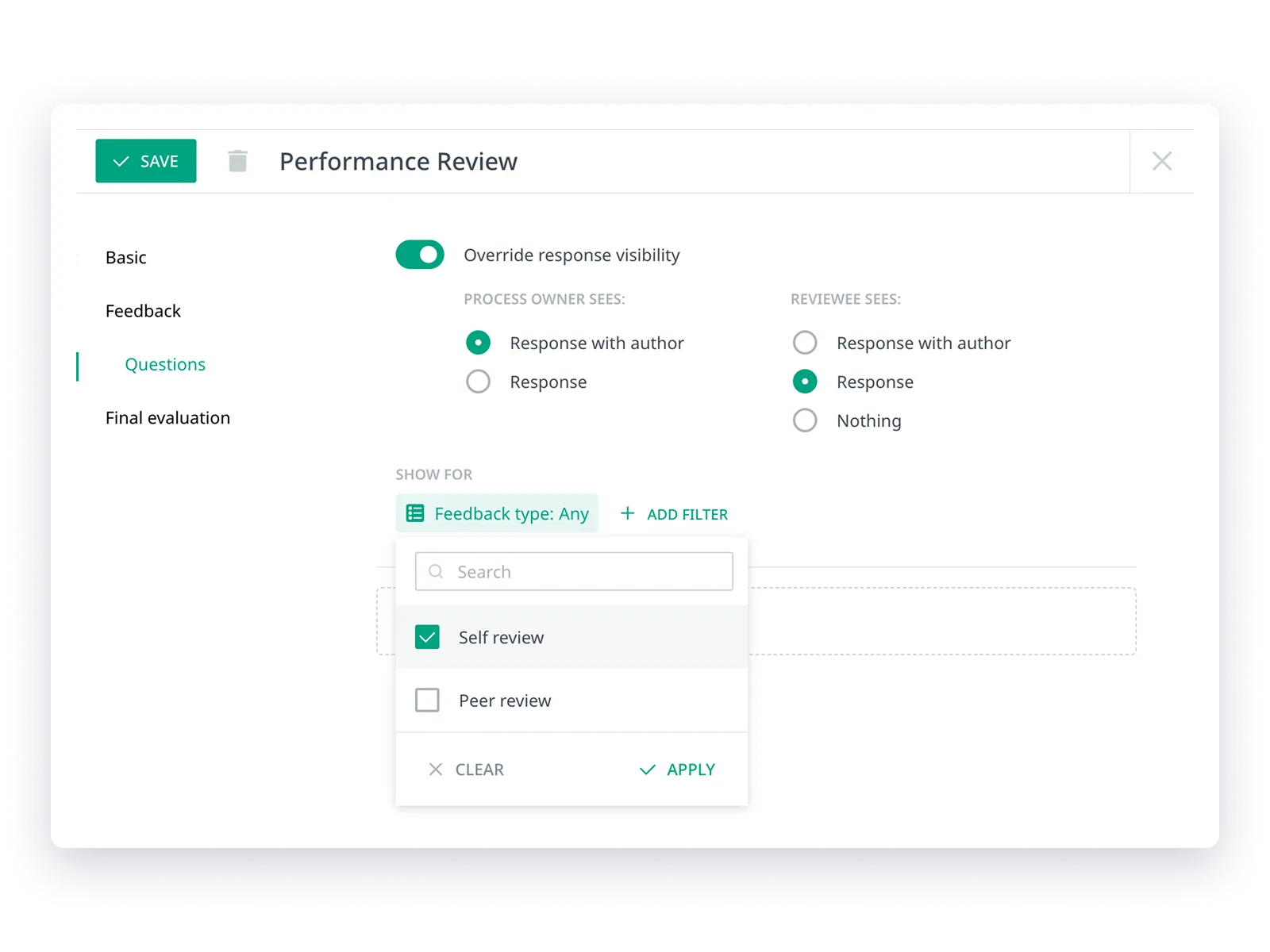
Set global visibility for the entire review process, then override it on specific questions. Overrides work in one direction only: toward more restrictive. If the whole form is named, you can make a single question anonymous.

The other way around won't work, because a promise of anonymity made at the start can't be taken back mid-form.

Example: You're running a named peer review. At the end of the form, you add the question "Is there anything you'd prefer to share anonymously?" Only that question has overridden visibility. Everything else works normally, with names. No need to create a separate review cycle.

Questions with different visibility show a "higher anonymity" badge and a tooltip explaining exactly who will see what.

Reviewers know exactly who will read their response

Many tools tell employees "this survey is anonymous" once, at the start, and leave it at that. The reviewer doesn't know if that applies to every question, whether the manager sees the same thing they do, or what happens to their answer after they hit submit. In Calamari, visibility information appears next to every single question.

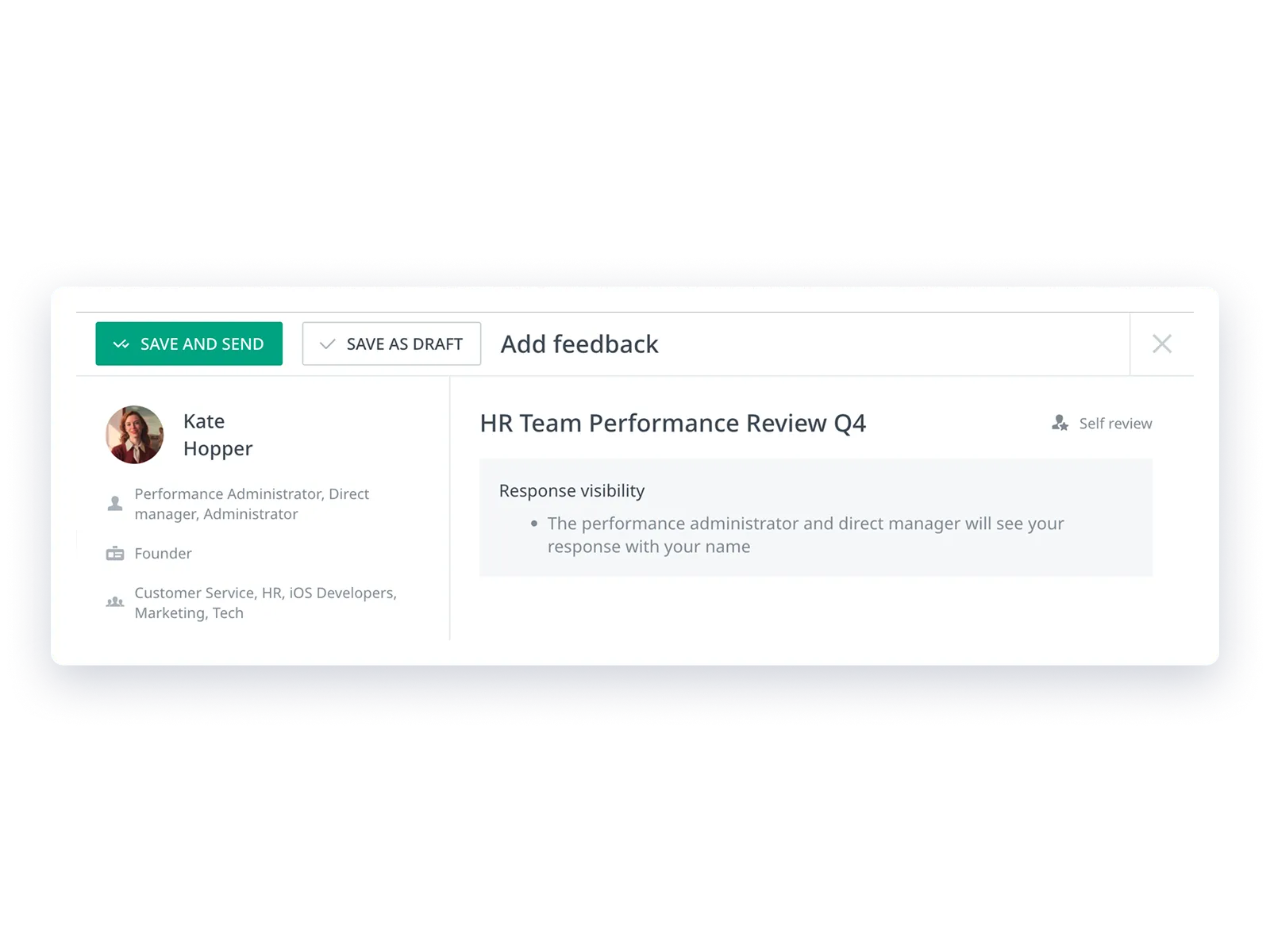
Each question in the review form displays a "Response visibility" block. The reviewer sees exactly who will have access to what they write, before they submit.

The message updates in real time. Checking the "respond anonymously" box immediately changes the text. If a question has overridden visibility, an additional explanation appears.

Every question can have a different visibility scope, so the information is shown separately for each one. No guessing, no trusting the fine print.

Synchronized Automatically

Keep HR Data Synchronized
with Your Favorite Tools

Calamari connects to the apps you use every day, allowing you to focus on your work.

Frequently Asked Questions

Here’s some information helpful for anyone looking to understand exactly how our Performance Reviews work