


In today’s increasingly distributed workplace, managing HR processes across multiple locations and time zones has become a critical challenge for growing organizations. According to Gartner, by 2025, 75% of the workforce will be digitally dispersed across locations and time zones. Yet many companies still struggle with fragmented HR processes that weren’t designed for this new reality.
The challenge isn’t just about managing different schedules – it’s about maintaining operational efficiency while ensuring compliance and employee satisfaction across borders. According to Deloitte’s Global Human Capital Trends, 80% of organizations cite workforce experience as a priority, yet only 22% feel they’re effective at managing a multi-location workforce.
And that is not all. According to studies, organizations that implement digital HR systems significantly improve overall performance because automated HR workflows reduce administrative burden and increase data consistency across locations [Source: https://www.researchgate.net/publication/371408018_The_Impact_of_Human_Resource_Information_Systems_on_Organizational_Performance_A_Systematic_Literature_Review,June 2023, The Impact of Human Resource Information Systems on Organizational Performance: A Systematic Literature Review].
Whether you’re handling leave requests from Singapore while managing timesheets in London or tracking attendance for hybrid teams across continents, the complexity of global HR operations demands a more integrated approach. The solution isn’t adding more tools to an already complex tech stack – it’s about making your existing platforms work smarter together.
In this article, we’ll explore:
- Why traditional HR processes fail in multi-location operations
- How Microsoft Teams integration can transform global HR management
- Practical steps to implement an integrated HR solution that works across time zones
- Real-world success stories and implementation insights
Introduction to Microsoft Teams Integration
For organizations using Microsoft Teams as their collaboration hub, Calamari provides seamless HR process integration directly within the platform. This integration brings leave management and time tracking right where your team already works, eliminating the need to switch between multiple tools.
By integrating leave management with Microsoft Teams, organizations can streamline their leave request and approval processes. This integration makes it easier for employees to request time off and for managers to approve or deny requests, all within the same platform they use for daily communication and collaboration. This enhances productivity and ensures that leave management is handled smoothly and efficiently.
Why Traditional HR Processes Fail in Multi-Location Operations
The shift to global operations brings unique HR management challenges that traditional systems weren't designed to handle. Let's examine the key pain points that organizations face when managing HR processes across multiple locations:
Time Zone Coordination Complexity
Managing something as fundamental as requesting time off becomes exponentially more complex across time zones. When a team member in Tokyo needs urgent leave approval from a manager in New York, the 13-hour time difference can turn a simple request into a day-long waiting game. This delay not only affects employee satisfaction but can disrupt team planning and project timelines.
Fragmented Systems Create Data Silos
Many organizations find themselves managing multiple spreadsheets or disconnected systems for different locations. This fragmentation leads to:
- Inconsistent data across regions
- Manual reconciliation of time tracking records
- Difficulty in maintaining compliance across jurisdictions
- Limited visibility into team availability across locations
Communication Breakdown
Without a centralized system, critical HR information gets lost in email threads or chat messages. Team leaders struggle to:
- Track who's available across different time zones
- Coordinate coverage during regional holidays
- Ensure timely response to urgent HR requests
- Maintain clear documentation of approvals and changes
As one of our global clients notes (World's Ultimate Travels COO Daleen Lombard): “Each team kept track of time off on a spreadsheet. This was not very accurate and made it difficult to keep track of when people were on vacation.”
The Microsoft Teams Advantage
This is where Microsoft Teams integration becomes a game-changer. Start your free Calamari trial and experience automated leave management in Microsoft Teams. Why? By integrating HR processes directly into Teams – the platform where employees already spend most of their workday – organizations can create a seamless experience that works across time zones and locations.
Let's explore how this integration transforms global HR management.
How Microsoft Teams Integration Transforms Global HR Management
For organizations already using Microsoft Teams as their primary communication hub, integrating HR processes directly into the platform creates a natural extension of the digital workplace. Here's how Teams integration solves key challenges of global operations:
Single Source of Truth
When HR tools live inside Teams, everyone – from employees to managers – accesses the same real-time information, regardless of their location:
- Leave calendars sync automatically across time zones
- Time-tracking data updates instantly and is visible to all relevant stakeholders
- Documentation and approvals are stored centrally and easily accessible
- Employees can check their leave balance in real time, ensuring they have up-to-date information on their available leave
Seamless Authentication and Access
No more juggling multiple logins or switching between applications. Employees access HR functions through their existing Microsoft credentials, which means:
- Zero additional passwords to remember
- Enhanced security through Microsoft's enterprise-grade protection
- Immediate access for new team members through existing Microsoft accounts
Mobile-First Flexibility
Modern teams need mobile solutions, and Teams integration delivers:
- Submit time tracking entries from any device
- Approve leave requests on the go
- Check team availability from anywhere
- Receive instant notifications about HR updates
Real-Time Visibility Across Time Zones
For global teams, visibility is crucial. Teams integration provides:
- Instant view of who's available across all locations
- Clear indicators of local time for each team member
- Automated holiday calendar updates for different regions
- Easy coordination of cross-timezone meetings and coverage
Streamlined Workflows for Leave Management
By integrating HR software, such as Calamari, into Teams, organizations can automate previously manual tasks:
- Leave requests route automatically to the correct approver
- Time-tracking reminders appear in Teams chats
- Managers receive instant notifications about urgent requests
- HR documentation is automatically stored and organized
- Leave request processes are automated using Calamari flow, reducing manual paperwork and streamlining operations
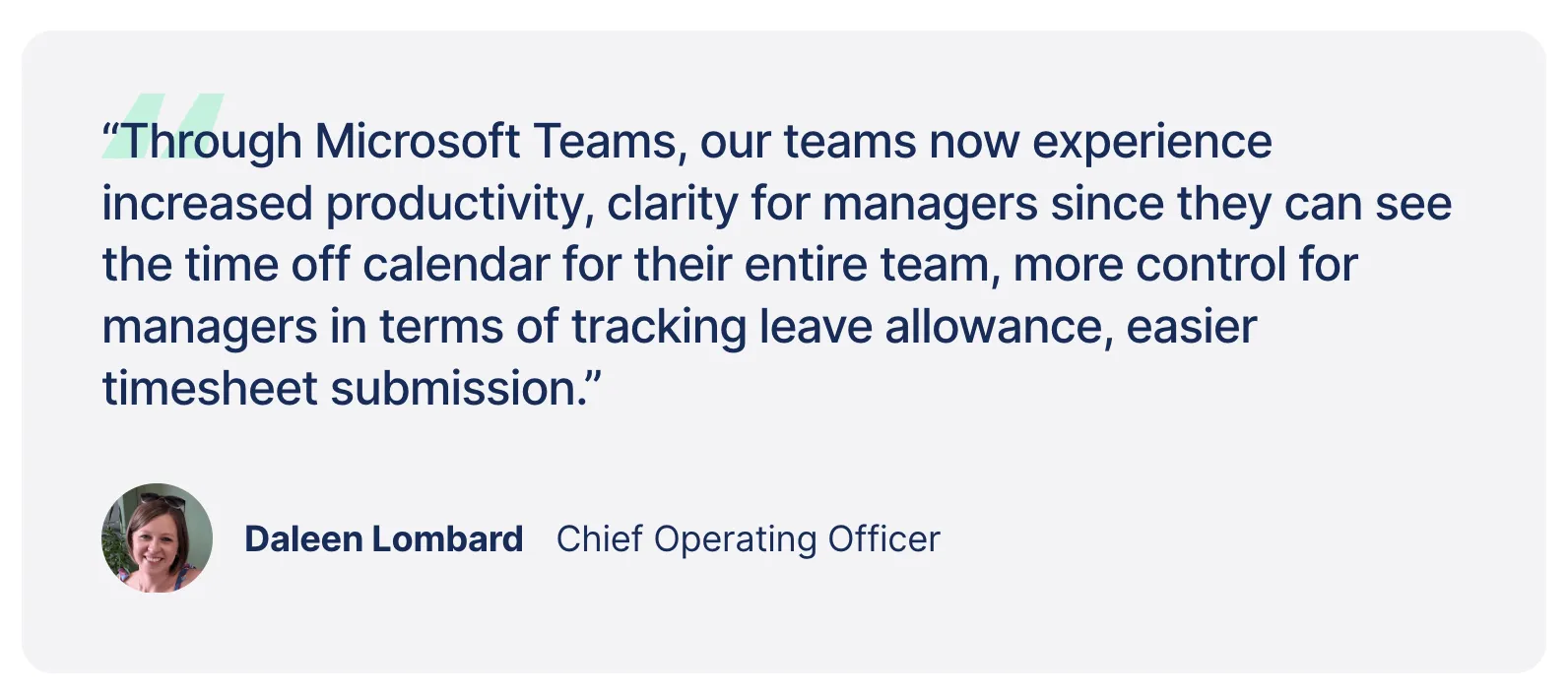
As Daleen Lombard from World’s Ultimate Travels confirms in their customer story: “Through Microsoft Teams, our teams now experience increased productivity, clarity for managers since they can see the time off calendar for their entire team, more control for managers in terms of tracking leave allowance, easier timesheet submission.”
Leave Management with Microsoft Teams
Leave management becomes effortless when you integrate Calamari with Microsoft Teams. This integration brings all leave management functionalities directly into Teams, where employees already spend their workday. Team members can request time off with just a few clicks, while managers can approve or deny requests instantly through the Teams interface. This seamless integration eliminates manual paperwork and significantly reduces the administrative burden on HR teams.
Calamari's Teams integration provides a centralized platform for leave management, making it easier for organizations to:
- Track employee absences across all locations
- Monitor leave balances in real time
- Ensure compliance with company policies
- Access leave calendars directly in Teams
- Manage time-off requests through mobile devices
Automating Leave Requests in Microsoft Teams
With Calamari's integration, leave management workflows in Microsoft Teams become fully automated. The system handles everything from initial request submission to final approval, streamlining the entire process. This automation includes:
- Instant notifications for new leave requests
- Automatic leave balance updates
- Real-time calendar synchronization
- Customizable approval workflows
- Automated reminders and follow-ups
Team members receive immediate updates about their requests through Teams notifications, while managers can make informed decisions with access to team calendars and leave balances right within their Teams workspace. This integration ensures that leave management processes are consistent, compliant, and efficient, reducing errors and ensuring prompt handling of all requests.
Implementing Teams-Integrated HR: A Practical Guide
Making the switch to Teams-integrated HR doesn't have to be complex. Here's a practical roadmap to help your organization transition smoothly and maximize the benefits for your global teams.
Step 1: Assess Your Current Setup
Before implementation, evaluate:
- Current HR processes and pain points across locations
- Existing Microsoft Teams usage patterns
- Compliance requirements for different regions
- Key stakeholders who need to be involved
Step 2: Choose the Right Integration Features to Automate Workflows
Focus on features that solve your specific challenges:
Time Off Management
- Leave request workflows that work across time zones
- Regional holiday calendar integration
- Team availability views
- Automated balance calculations
Time Tracking
- Mobile-friendly time entry
- Automated timezone conversions
- Flexible timesheet approvals
- Multi-location reporting
Team Management
- Regional policy management
- Automated notifications
- Centralized document storage
Step 3: Plan Your Rollout
For successful adoption:
- Start with a pilot group across different locations
- Create clear documentation in multiple languages if needed
- Train team leads first to champion the new system
- Roll out gradually, location by location
- Gather feedback and adjust as needed
Step 4: Best Practices for Global Teams
To maximize effectiveness:
- Set up approval chains that account for time differences
- Create location-specific policies while maintaining global consistency
- Establish clear communication protocols for urgent requests
- Use automated notifications to bridge time zone gaps
- Regular review of processes to ensure they work for all locations
Making the Right Technology Choice
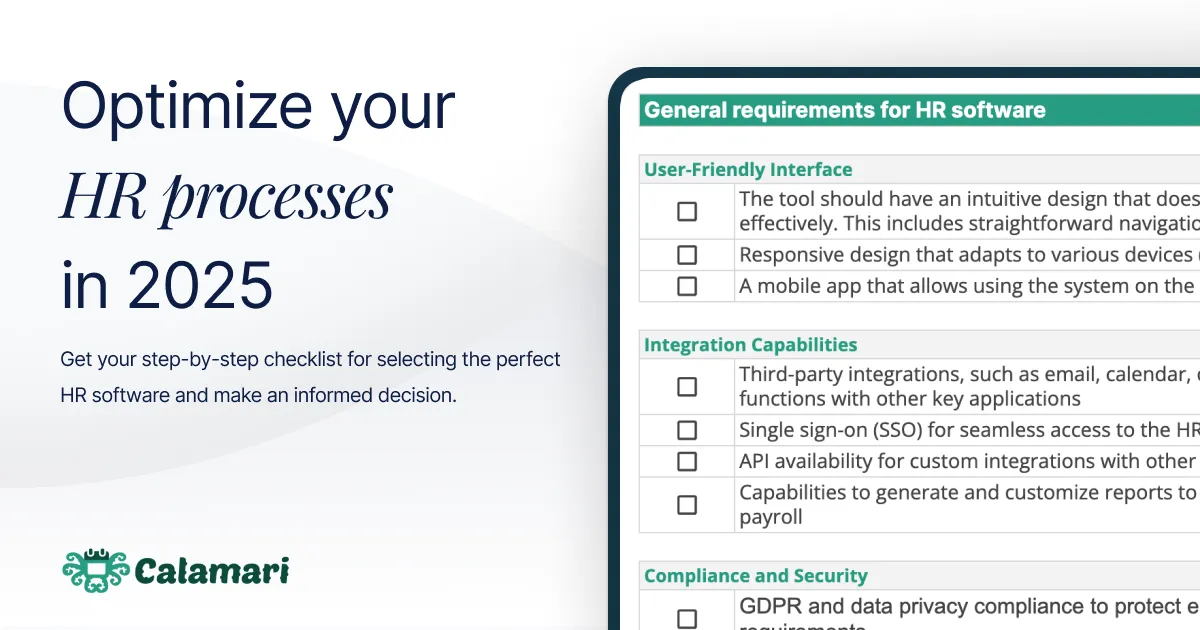
While implementing Teams-integrated HR is crucial, it's just one piece of the puzzle. Choosing the right HR software that can both integrate with Teams and meet your organization's specific needs requires careful consideration. To help you navigate this decision, we've created a comprehensive checklist that covers essential features, from compliance capabilities to scalability options. Download the “HR Software Selection Checklist” to ensure you're making an informed choice that will support your global operations for years to come.
Common Challenges and Solutions
Implementing leave management systems often presents challenges like ensuring policy compliance, managing approvals efficiently, and maintaining accurate records across locations. Calamari's Microsoft Teams integration directly addresses these pain points by providing customizable workflows that automatically enforce your company's leave policies. Managers can approve or deny requests instantly within Teams, while the system automatically updates leave balances and synchronizes calendars. This streamlined approach eliminates common issues like delayed responses, inconsistent policy application, and manual tracking errors. With automated notifications and clear visibility of team availability, organizations can maintain operational efficiency while ensuring accurate leave management – all through the familiar Teams interface that employees already use daily.
Real Results: The Impact of Teams-Integrated HR Management
Organizations that have successfully implemented Teams-integrated HR solutions report significant improvements across multiple areas. Let's look at the tangible benefits and real-world results:
Improved Efficiency
- Reduction in time spent on administrative tasks
- Faster approval cycles across time zones
- Streamlined communication between HR and employees
- Automated routine processes
As World's Ultimate Travels discovered, “It has been a game changer and has made our lives a lot easier.” The approval process that once required multiple emails and spreadsheet updates now happens with a few clicks in the Teams app.
Enhanced Global Visibility
Teams with members across different time zones report:
- Better resource planning
- Improved team coordination
- More accurate time tracking
- Clearer overview of team availability
Increased Compliance
Organizations benefit from:
- Standardized processes across locations
- Automated policy enforcement
- Clear audit trails
- Consistent documentation
Better Employee Experience with Reduced Employee Absences
The integration leads to:
- Faster response times to HR requests
- Seamless access to HR functions
- Reduced frustration with administrative tasks
- Improved work-life balance through better leave management

Looking Ahead: Future of Global HR Management
As organizations continue to expand globally and embrace hybrid work models, integrated HR solutions will become increasingly crucial. The key to success lies not just in choosing the right technology but in implementing it in a way that supports your team's specific needs. Before embarking on your HR transformation journey, make sure you clearly understand what you need in an HR solution. Our comprehensive HR Software Selection Checklist can help you evaluate options and make an informed decision that will support your organization's growth. Remember: the goal isn't just to digitize HR processes – it's to create a seamless experience that helps your global team work better together, regardless of where they are located.
Resources and Support
Calamari provides comprehensive support and resources to ensure organizations can effectively implement and manage their leave management system through Microsoft Teams. Our dedicated customer success team guides you through:
- Quick implementation process (usually completed within days)
- Personalized onboarding sessions
- Custom configuration for your specific needs
- Training materials for team leaders and employees
Organizations can access multiple support channels:
- Extensive online knowledge base with step-by-step guides
- Video tutorials for common workflows
- Live support through chat and email
- Regular webinars and training sessions
- Dedicated customer success manager for enterprise clients
Our support team has extensive experience helping organizations transition from manual processes or other systems to Calamari's Teams integration. They understand the unique challenges of implementing HR software and can provide best practices based on a decade of experience serving global clients. To ensure smooth operations, Calamari also offers:
- Regular feature updates and improvements
- Technical documentation for IT teams
- Security and compliance documentation
- Integration guides for Microsoft Teams setup
- Customization support for specific organizational needs
With these resources, organizations can quickly implement and effectively manage their leave tracking through Microsoft Teams, ensuring high adoption rates and user satisfaction across all departments.
Conclusion: Making Global HR Management Work for Your Team
The shift to global operations isn't just a trend – it's the new reality of how modern organizations work. Successfully managing HR processes across time zones and locations doesn't require complex solutions, but rather smart integration of tools your team already uses and trusts. By integrating HR processes with Microsoft Teams, organizations can:
- Eliminate the friction of managing HR tasks across time zones
- Create a single source of truth for all HR-related information
- Improve employee experience with familiar, easy-to-use tools
- Maintain compliance while scaling operations globally
Getting Started
Before implementing any new HR solution, take time to:
- Assess your current HR processes and pain points
- Map out your specific requirements for multi-location management
- Consider how the solution will integrate with your existing tools
- Evaluate options based on your organization's needs
To help you make an informed decision, we've created a comprehensive HR Software Selection Checklist that walks you through all the essential features and considerations. Download it to ensure you're choosing a solution that will support your organization's growth and global operations effectively.
The future of work is global, and your HR processes should reflect that reality. With the right integrated solution, you can transform HR from an administrative challenge into a strategic advantage for your organization.
Summary
Integrating leave management into Microsoft Teams helps modern organizations eliminate manual workflows, streamline approvals, and ensure compliance across global operations. With Microsoft 365 tools like Power Automate, Power Apps, SharePoint, and Teams, HR teams gain real-time visibility, automated processes, and a unified workspace where employees can request leave without leaving Teams. This approach simplifies processes, enhances employee experience, and creates a centralized system that scales with organizational growth.
We kindly invite you to join our HR Newsletter for monthly insights.